PictureMaker
InstrumentalOff
Optional

Text to music studio

ai music generator for songs that fit your scene

PictureMaker turns a prompt, lyric draft, mood, or style tag into ai generated music you can preview, shape, and download as a full song or instrumental track.

Start Now
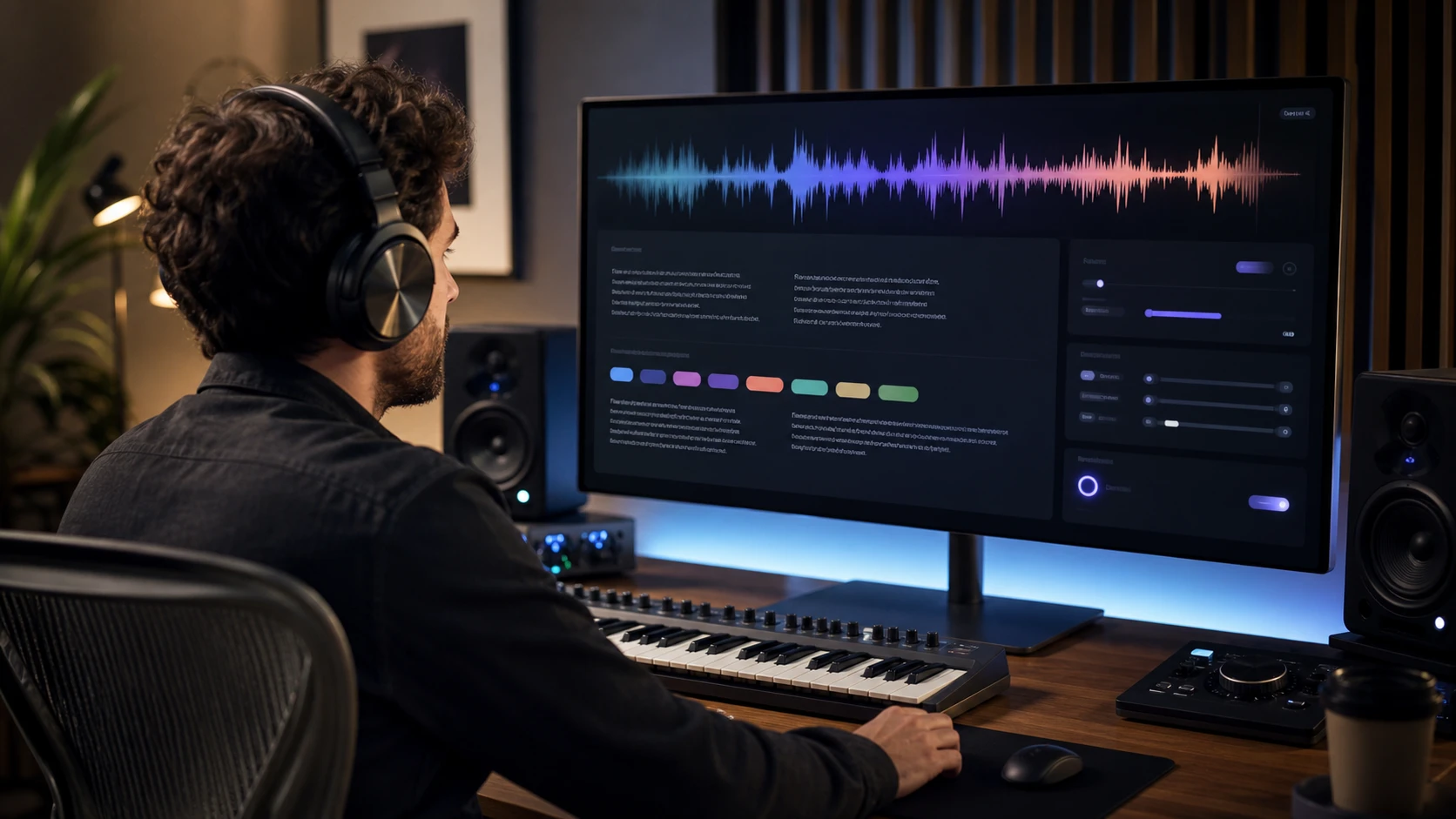
Creator previewing an ai music generator track with lyrics, mood tags, and export settings

Where ai music generator Fits

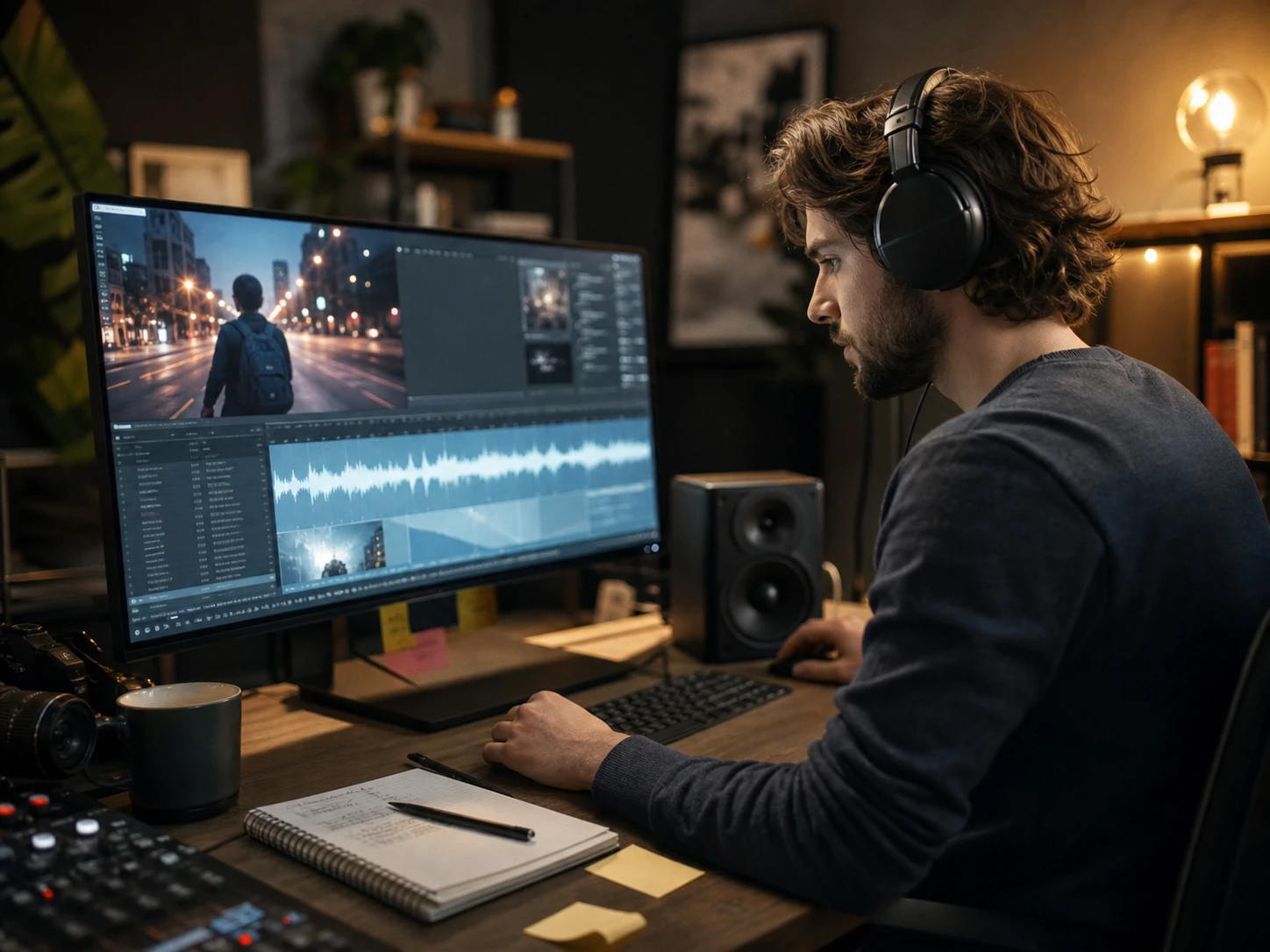
Social creator matching background music to a short video scene preview

Video Makers

Music for social clips

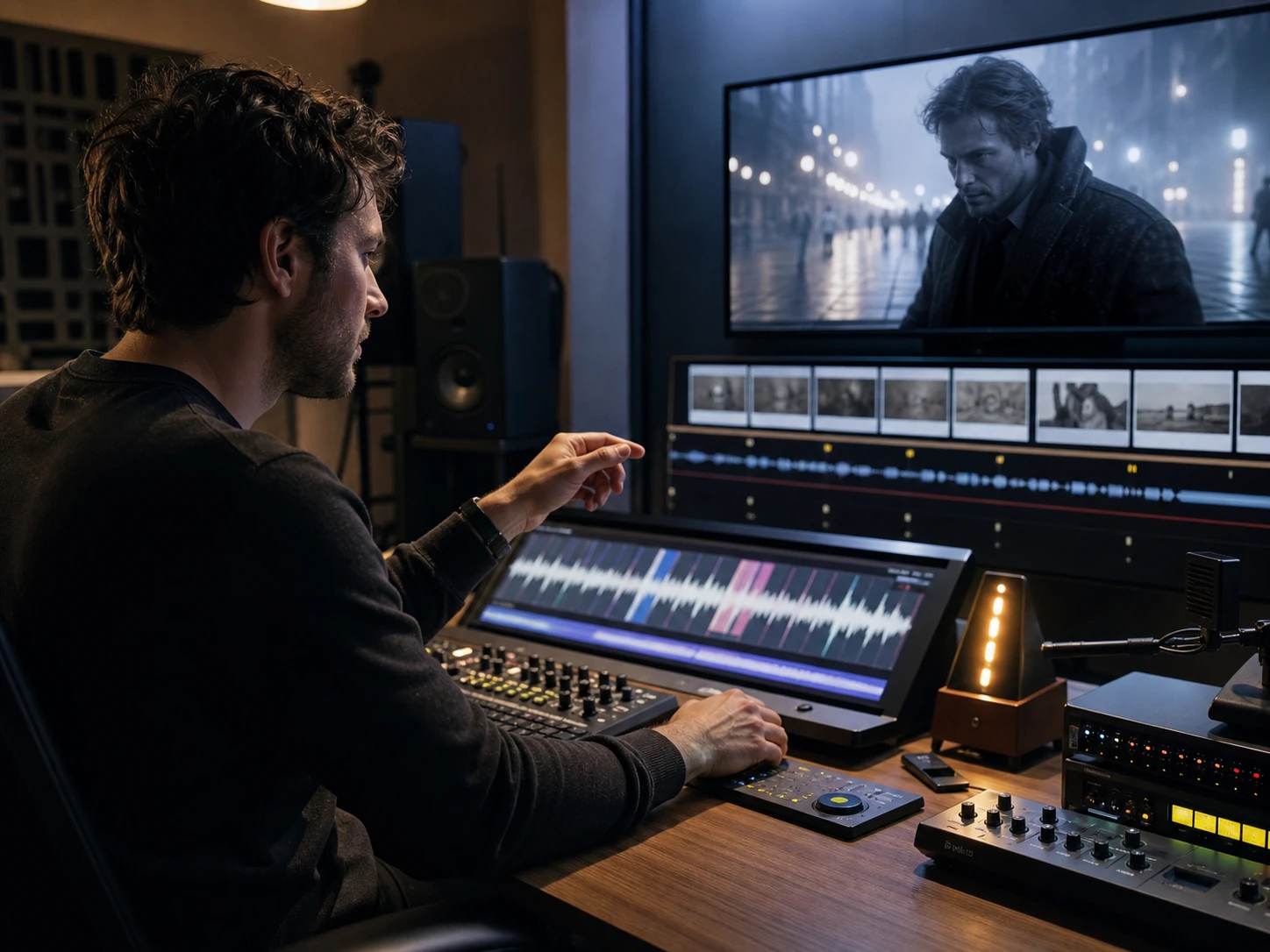
When a short video needs a clear mood, the ai music generator helps you turn a scene note into background music for vlogs, TikTok edits, and social clips.

Shape ai music generator Output

Use PictureMaker when the creative decision is clear but the track still needs direction.

01

Prompt To Track

PictureMaker reads your text to music prompt and creates a complete track when you describe the scene, mood, or style. Add details like chill lo fi, upbeat summer pop, or cinematic orchestral, then preview the result. The output is easier to judge when the prompt names the use case and emotional pace.
02

Lyrics To Song

The ai song generator builds melody and vocals from custom lyrics when you want to hear written lines as a song. Paste the lyrics, choose a style or mood, and let PictureMaker prepare a sung version. The demo works best when the lyric structure gives the voice clear phrases to follow.

03

Vocal Song Output

AI vocals add a sung performance when the project needs more than an instrumental bed. You provide lyrics or a song direction, then review how the voice carries the hook and verse. The result can guide a demo, though final taste still depends on your style notes.

04

Instrumental Download

The generator can create instrumental background music when a voiceover, lesson, stream, or product clip needs space. Choose an instrumental direction and keep the mood aligned with the scene. The downloaded audio file is most useful when the track supports the main message instead of competing with it.

Build With ai music generator

Each ai music generator step keeps the creative choice visible, from prompt to preview to export.

  1. 1

    Start with a prompt, lyrics, or mood tags, then name the scene, tempo feel, and style so the ai music generator has a clear production target.

  2. 2

    When the ai music creator makes the first pass, listen for pacing, vocal fit, and background space, then adjust the direction so the next preview sits closer to the project.

  3. 3

    Choose the full song or instrumental output after that, so your PictureMaker workflow ends with an audio file ready for editing, publishing, or review.

Control The ai music generator

The right setting changes what the listener hears, not just what the interface shows.

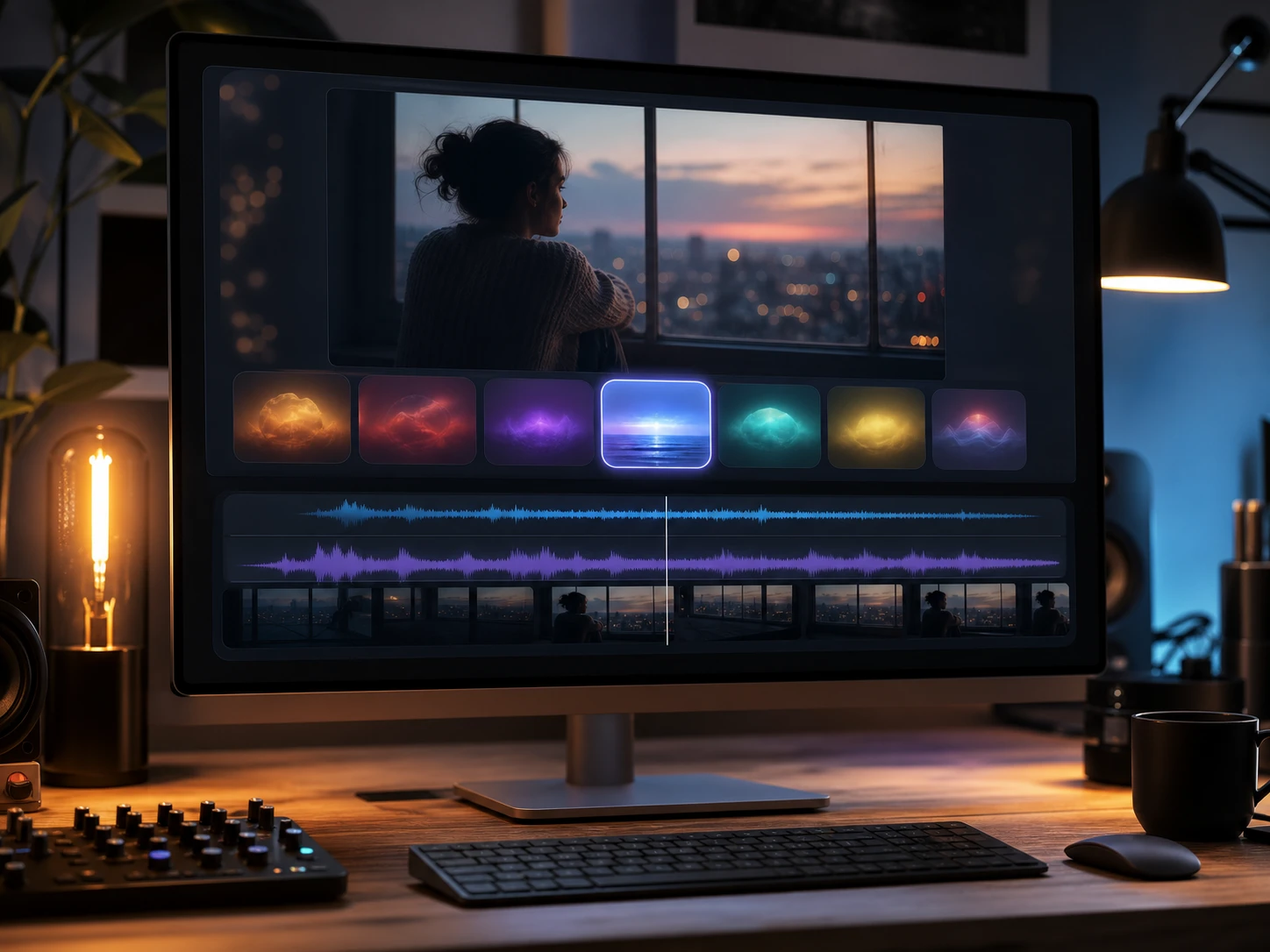
Mood tags shaping an ai music generator preview for a reflective video scene

Mood Tags

Mood tags guide the ai music generator when the same clip could feel warm, tense, playful, or reflective. Pick the emotional direction before previewing, or leave it broad when you want PictureMaker to explore. The track feels more intentional when the mood matches the cut length and visual pace.

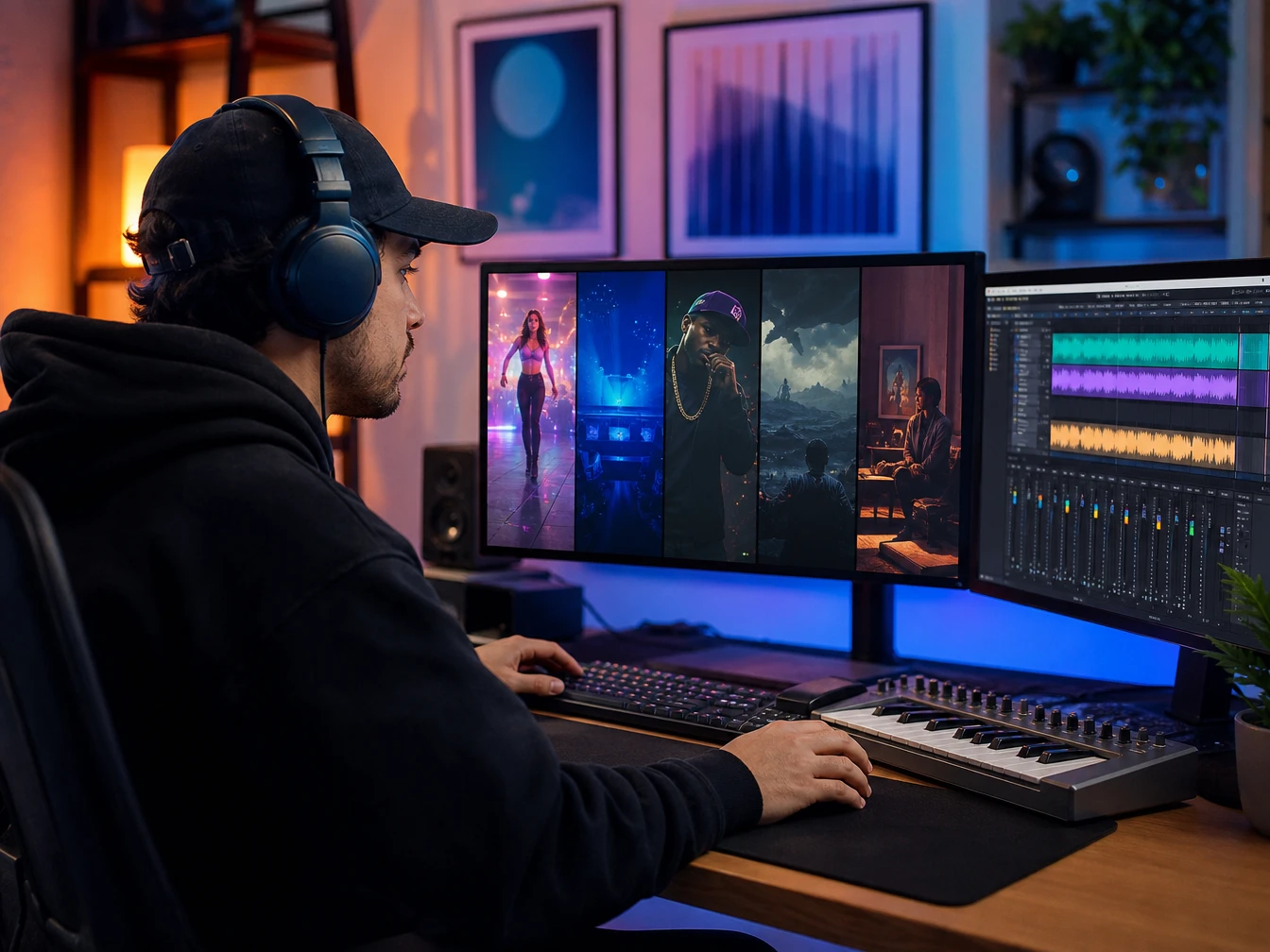
Style choices for pop, electronic, rap, film score, and lo fi music

Style Choices

Style choices steer the ai song maker when a project needs pop, electronic, rap, film score, or lo fi texture. Select the genre that fits the audience and keep the prompt focused on the scene. The output lands better when the style and use case point in the same direction.

Tempo direction aligning a music track with a voiceover and scene timing

Tempo Direction

Tempo direction shapes movement when a track needs to sit under a fast edit, calm lesson, or podcast intro. Give PictureMaker a pace cue instead of leaving the rhythm vague. The preview is easier to edit when the beat supports the timing of the voiceover or scene.

Approved music track prepared for an ad, YouTube video, and podcast

Commercial Use

Approved output supports projects that need music for ads, YouTube videos, podcasts, and brand content. Review your generated track, download the audio file, and keep the project tied to your approved use. For best results, confirm the ai music generator track choice fits the platform and campaign context before publishing.

See how PictureMaker handles your first prompt, lyric draft, or mood tag, then preview a track before you place it in a clip, podcast, lesson, or campaign.

Try ai music generator Today

See how PictureMaker handles your first prompt, lyric draft, or mood tag, then preview a track before you place it in a clip, podcast, lesson, or campaign.

Start Now

ai music generator Questions

What does an ai music generator create?

An ai music generator creates music from prompts, lyrics, mood tags, and style notes. PictureMaker can produce full songs with vocals, instrumental tracks, and downloadable audio files for creative projects.

Can I use the ai music generator for YouTube videos?

The brief supports approved music for YouTube videos, podcasts, commercial ads, and brand content. The benefit is an ai music generator track made for your project without sourcing separate stock music.

Does PictureMaker support text to music?

PictureMaker supports text to music by turning a written prompt, mood, or style direction into music. Clear scene notes help the ai music generator match tempo, emotion, and use case.

Can lyrics become a song with vocals?

Yes, custom lyrics can become a sung version with AI vocals. The ai music generator gives writers and singers a demo to review before deeper production choices.

Is this only for trained musicians?

The ai music generator is built around prompts, lyrics, and style choices rather than complex music theory. Creators still guide the result by naming the mood, genre, and intended use.

How is ai music generation useful for businesses?

Businesses can use music generation to create approved tracks for product demos, ads, and branded videos. The ai music generator helps teams test music direction before committing to a final export.