Build a longer usable clip
A practical video extend flow keeps the source, creative decision, preview, and export connected.
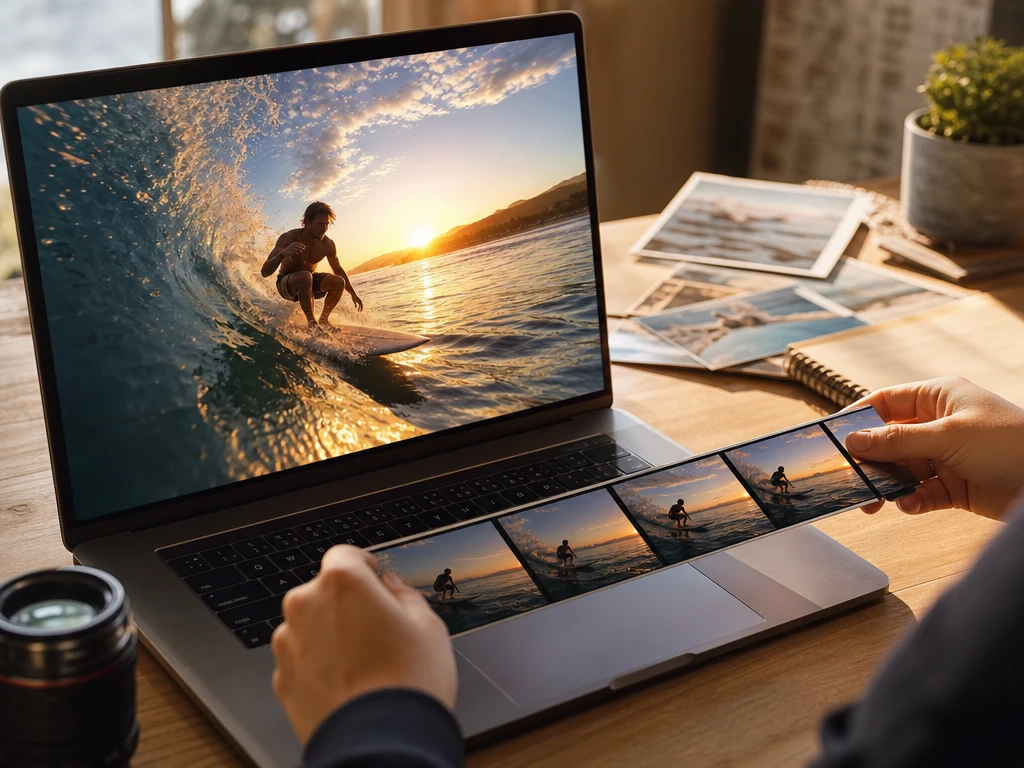
01Upload Source
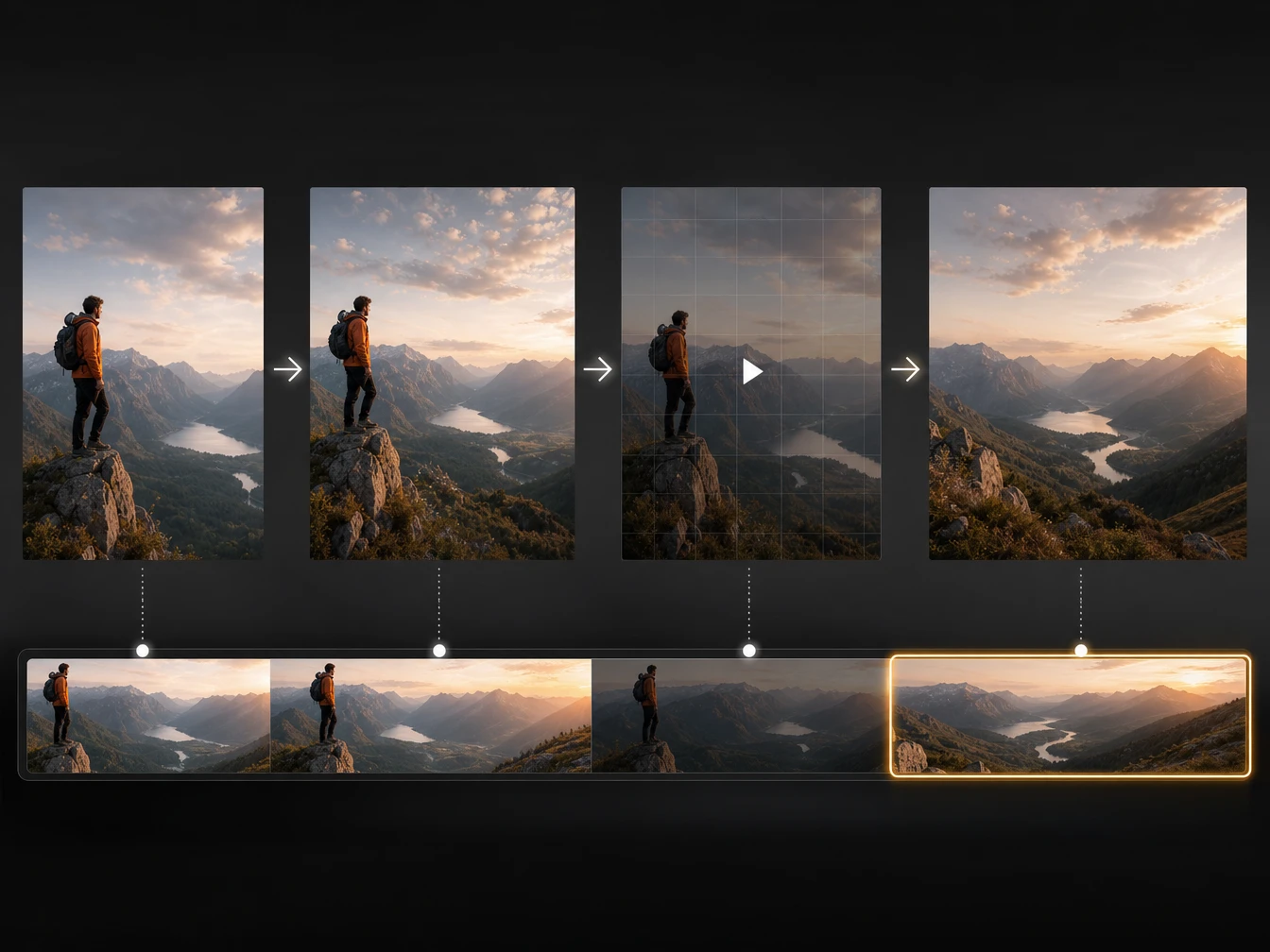
Start with a clear short clip in a common format, then PictureMaker reads the visible motion and scene style so the ai video extender has a grounded reference for the next frames.
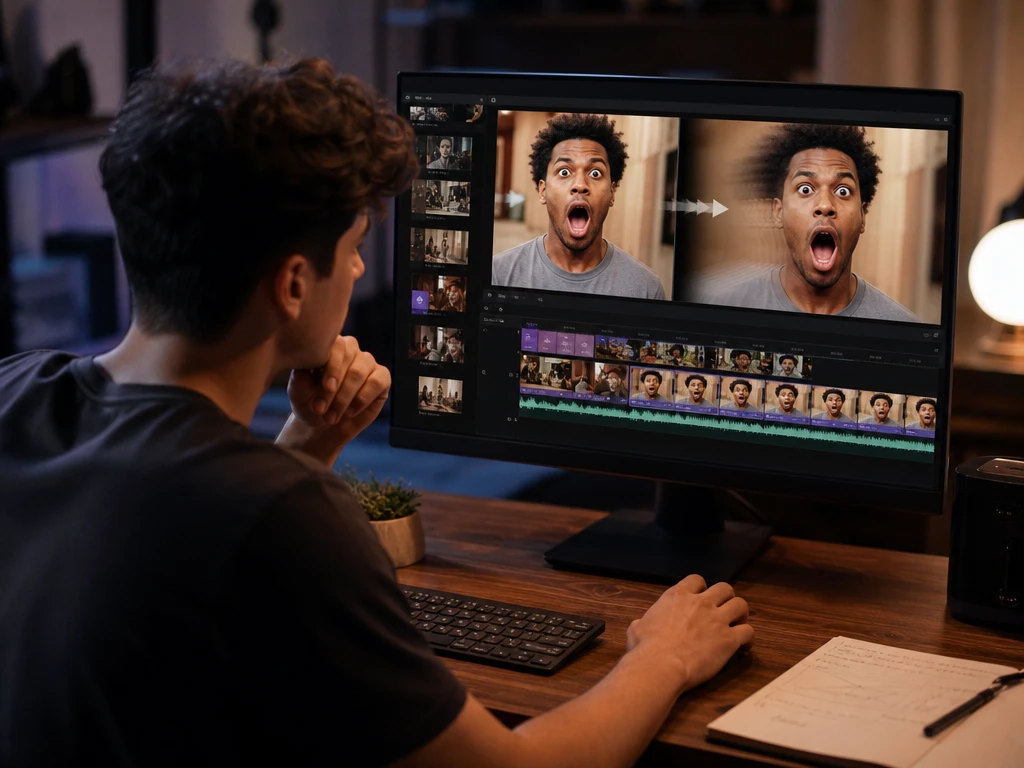
02Write Direction
Add a prompt for the action, reaction, or camera move after the cutoff, so the ai video extender does not guess beyond the story beat you need.
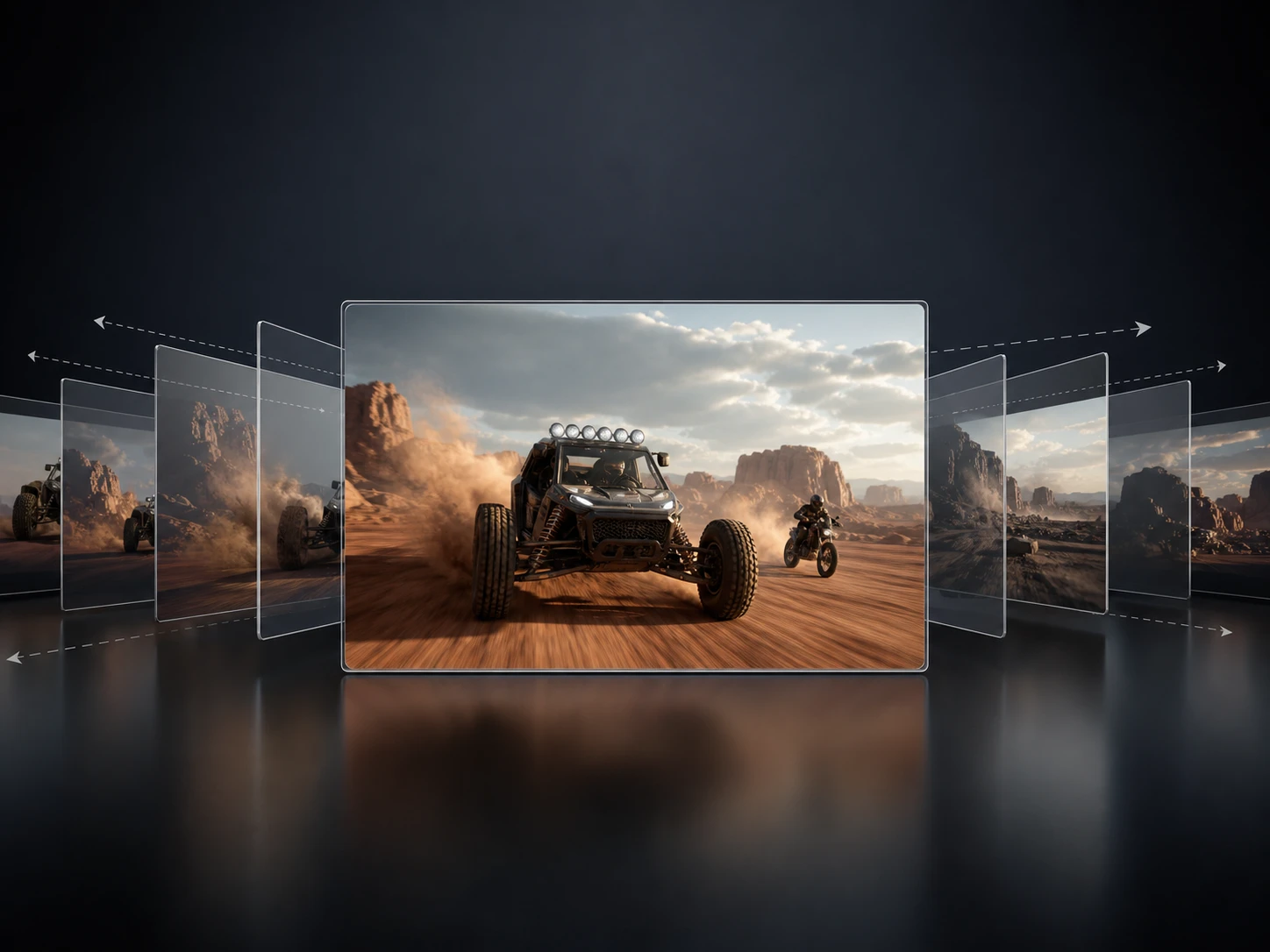
03Preview Frames
PictureMaker ai video extender shows the extended section after generation, then you judge pacing, motion, and visual fit before the clip moves into final export.
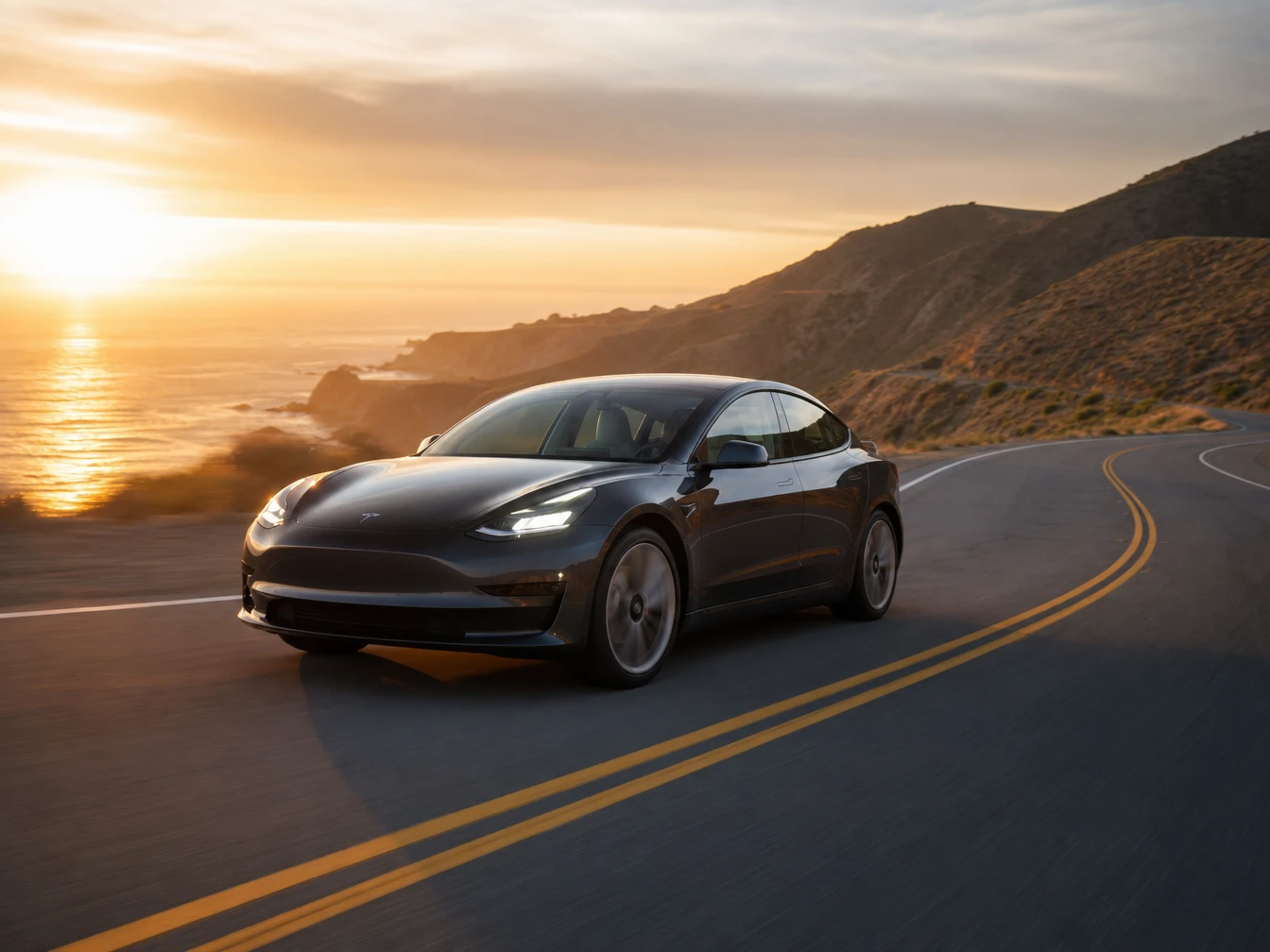
04Export Timeline
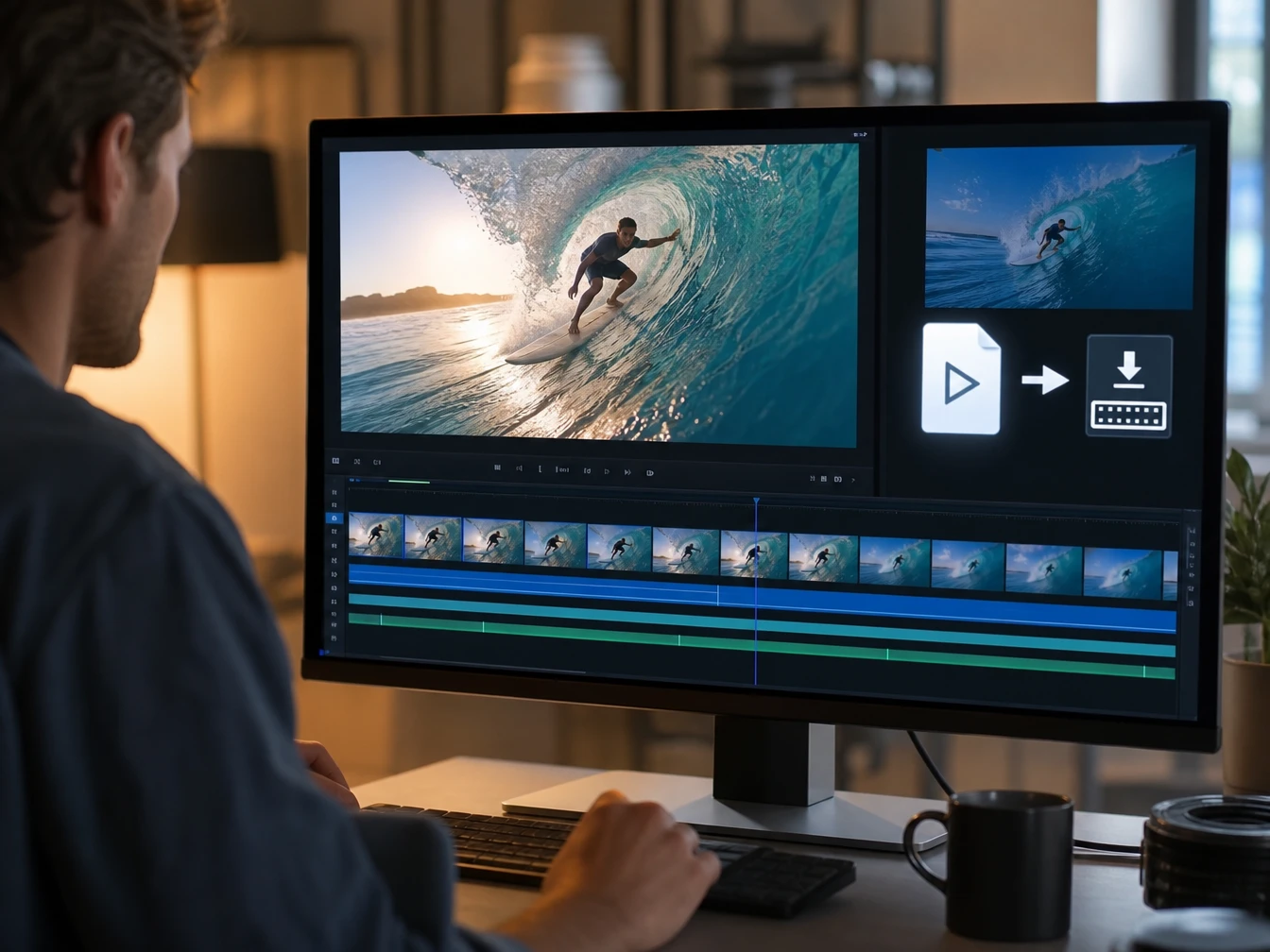
Choose the approved output, then download the extended video or import it into your timeline so the longer clip can support captions, cuts, or brand space.