

2x or 4x
Sharper edges and cleaner texture come from choosing the scale that fits the final canvas. The image upscaler gives you 2x for modest size gaps or 4x for small source images, then you preview the output before download after login.

Single Image Upscaling
When a source image looks too small for a product page, poster, or high density screen, this image upscaler helps you recover sharper edges and natural texture at 2x or 4x while you keep the final crop in mind.
Start Now
Use the image upscaler as an image enhancer for one JPG, PNG, or WebP photo up to 25 MB, so the source file keeps enough texture for a cleaner upscale.
Sharper edges and cleaner texture come from choosing the scale that fits the final canvas. The image upscaler gives you 2x for modest size gaps or 4x for small source images, then you preview the output before download after login.
The image upscaler handles one photo at a time so you can inspect faces, lettering, and product edges with a clear placement in mind. Bring the image you want to refine, then judge the preview against the page, post, or frame where it will appear.
PictureMaker runs the ai upscaler in your browser, with login required before processing and download. This image upscaler avoids large desktop software, and the output stays tied to the source image you selected.
The ai image upscaler focuses on clearer detail instead of only stretching pixels. This image upscaler helps reduce blocky enlargement artifacts, with the best result coming from a source image that still has visible structure.
This image upscaler fits moments where one image needs enough clarity for a real placement, not a quick guess.
Product photos need sharper labels, edges, and material texture before they sit on a detail page or ad poster. The image upscaler helps an ecommerce seller upscale image files one at a time and check the result against the listing layout.
When a daily photo or saved web image looks soft on high density displays, PictureMaker gives it a cleaner share ready version without changing the creative point of the post. Use it as a photo upscaler for the image that matters most in the story.
Small illustrations, anime screenshots, and design references often need more canvas room before editing. The image upscaler helps increase image resolution while keeping line edges and texture more natural, as long as the source still carries enough detail.
Cropped portraits and older low resolution photos can lose facial detail and edge definition. This image upscaler also works as an image quality enhancer for personal viewing, printing tests, or a larger digital frame.
The image upscaler workflow starts with the source image, then scale choice, preview, and download after login.
Add one JPG, PNG, or WebP image up to 25 MB, then PictureMaker reads the file and prepares a preview path for the selected photo. The output starts from that single source, so you can focus on one face, product, illustration, or cropped detail.
When you choose 2x or 4x, PictureMaker matches the upscale to the size gap you need, so the preview can show whether edges and texture still feel natural. The image upscaler output becomes larger while staying available for review before download.
Review the enhanced image, then compare sharpness, texture, and crop against the place where it will be used. After that, use your logged in account to download the finished file.
PictureMaker keeps the practical choices visible so your upscale picture has a clear purpose before you export it.
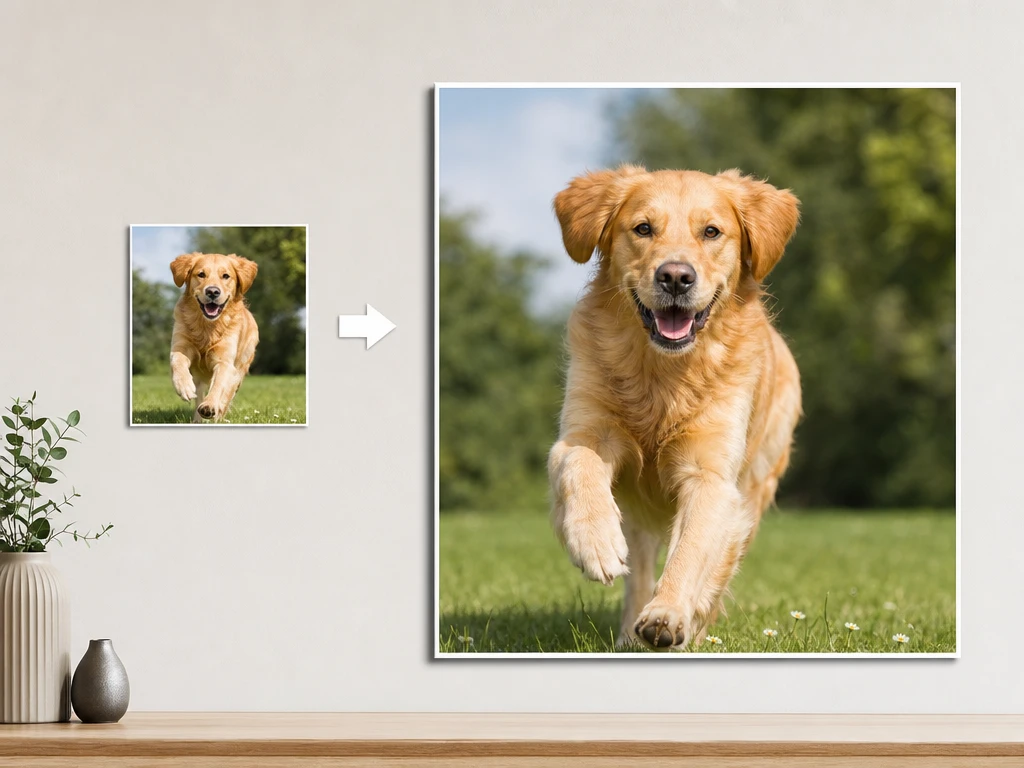
PictureMaker offers 2x and 4x enlargement for source images that need more room on a canvas or screen. Choose the scale that matches the placement, and avoid asking one small file to cover every use. The output looks sharper and larger, with the cleanest result from photos that are not fully blurred.
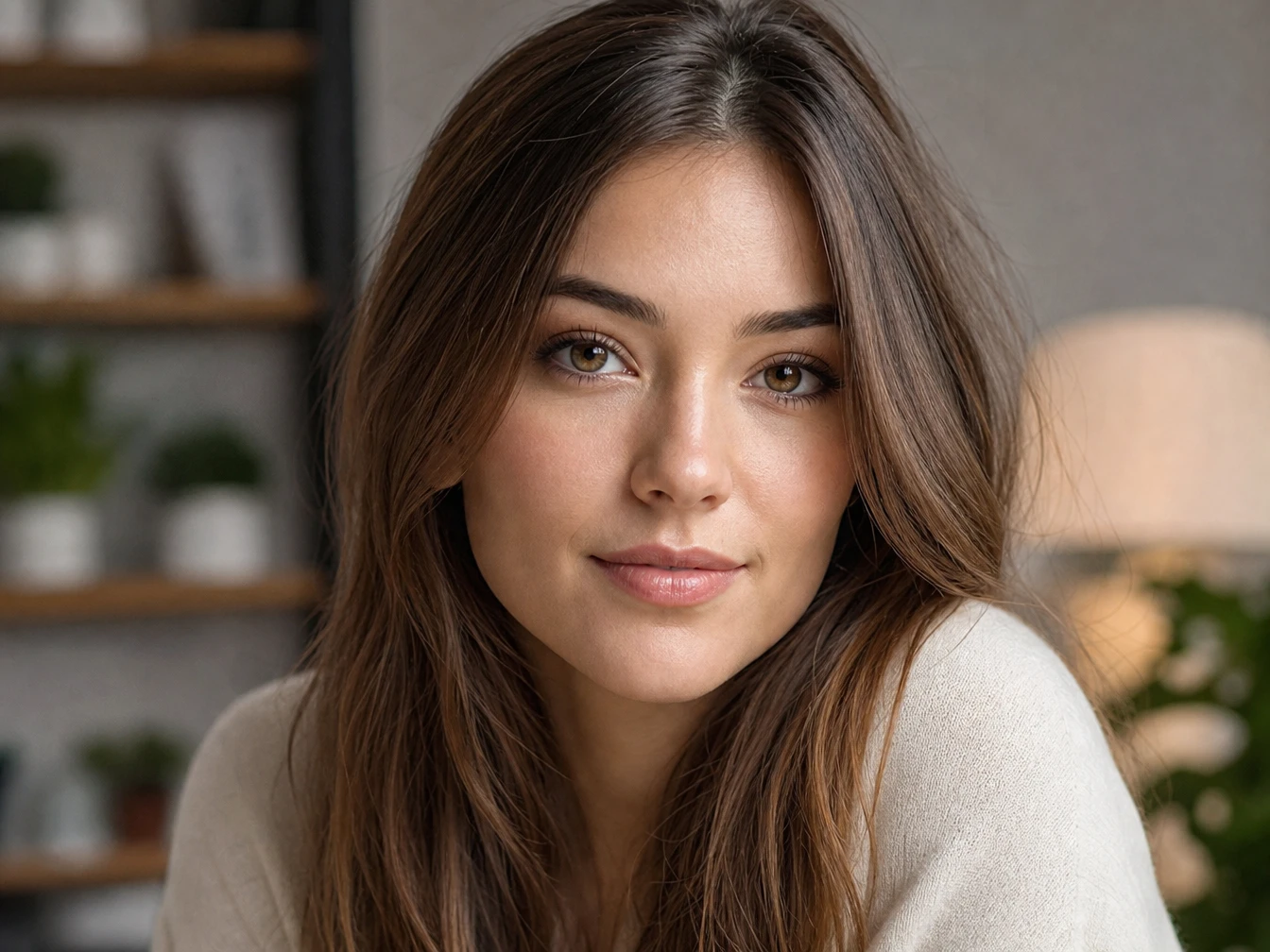
PictureMaker restores visible edges, textures, and small shapes for images that became soft after cropping or resizing. You provide the source image and let the ai image enhancer rebuild detail around the existing structure. The result has cleaner contours and more natural texture, provided the original still contains recognizable information.
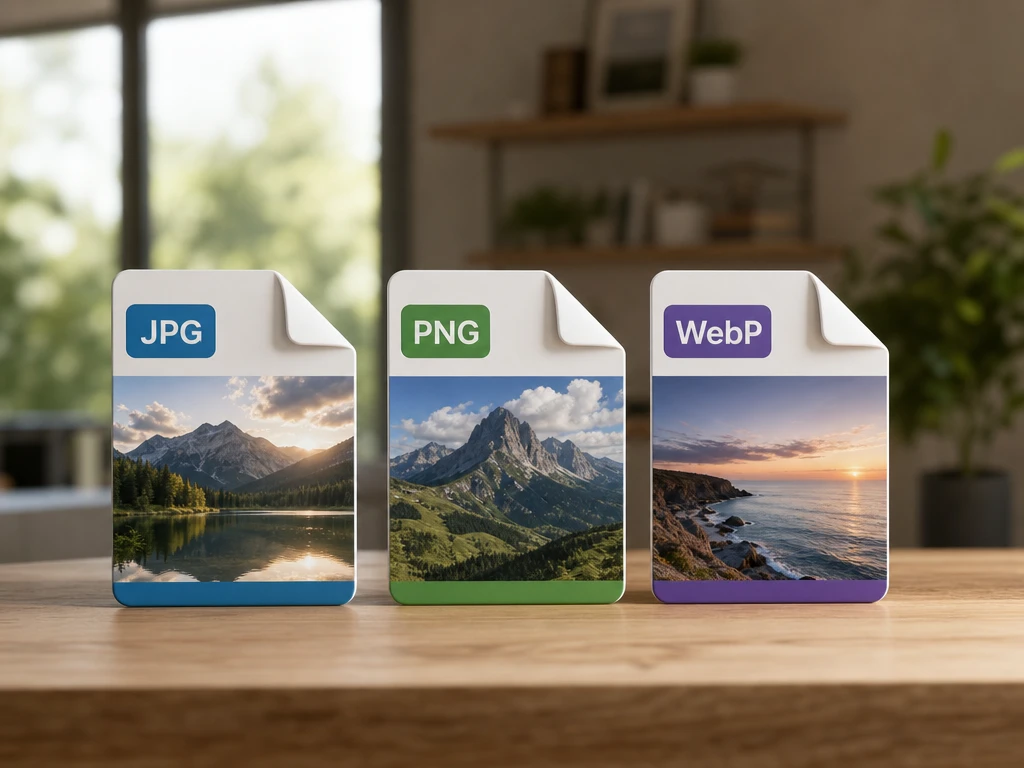
PictureMaker accepts JPG, PNG, and WebP files for creators who need a simple online image quality enhancer. Upload the supported file and keep it under 25 MB, because the limit protects single image processing quality. The output stays focused on that one image, and video files do not process in this image upscaler.
PictureMaker shows the enhanced photo for review before download so you can catch harsh edges, odd texture, or a crop that no longer fits. Inspect the preview, then keep the scale or return with a better source image. The downloaded result is ready after login, with quality depending on the clarity of the upload.
The image upscaler gives one important photo a careful pass before you commit it to a listing, post, lesson slide, or personal archive. Start with a JPG, PNG, or WebP image that still has usable detail.
Get StartedPictureMaker enlarges one JPG, PNG, or WebP image at 2x or 4x and uses AI detail recovery to make edges, texture, and faces clearer. The source still matters, so a heavily blurred file may not regain missing detail.
Yes, login is required before processing or downloading. That keeps the browser workflow connected to your PictureMaker account and sets the right expectation before you upload.
PictureMaker requires login before processing and download, so check the options shown in your account before starting final work. The image upscaler free keyword should not be read as pre login access.
JPG, PNG, and WebP files work, with one image up to 25 MB. The limit gives high quality source photos enough room while keeping the pass focused on a single file.
Older low resolution photos can gain clearer edges and more readable facial detail. Results depend on the source, because PictureMaker can restore visible structure but cannot recreate every missing feature.
No, this tool handles images only and does not process video formats. Use it for a source photo, product image, illustration, screenshot, or cropped picture.
Choose 2x for a modest size increase and 4x when the source image needs more canvas space. For best results, preview the output at the size where the final image will appear.