Shape the dance output
PictureMaker focuses the ai dance generator around the choices that change the final clip: source image, dance style, motion fit, and share ready output.
01Photo Input
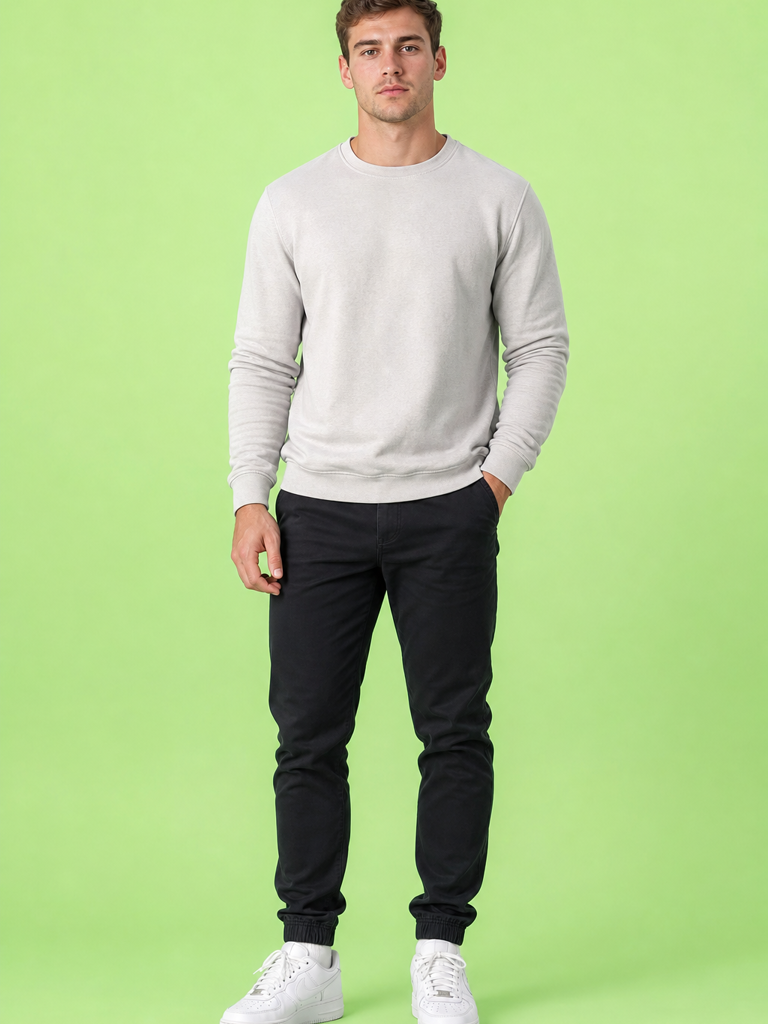
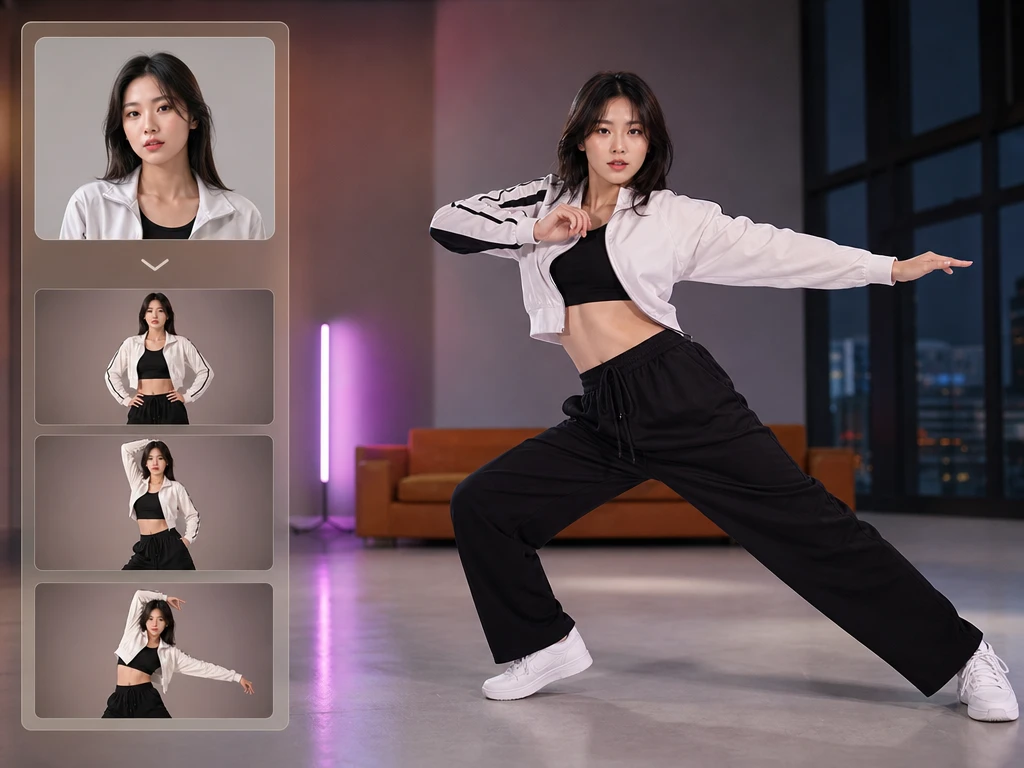
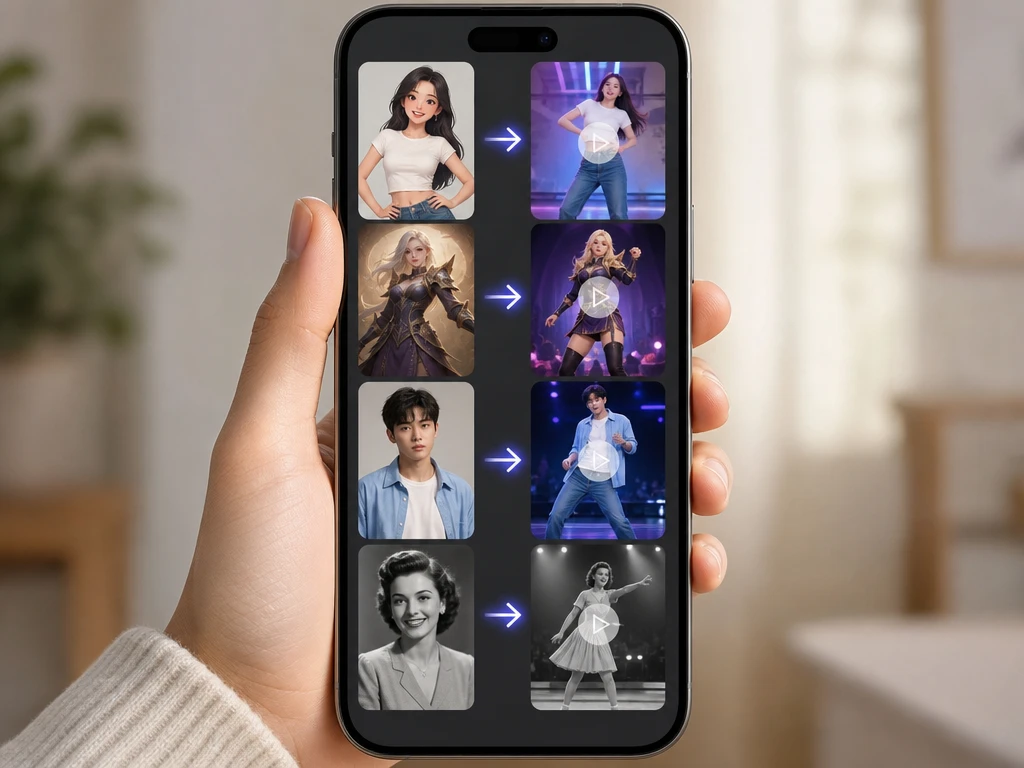
The ai dance generator starts from one source image and turns the visible person or character into a dance clip. Use a clear front facing full body or half body photo, then choose the motion style. The ai dance generator works best when the face is visible, the pose is upright, and the lighting does not hide clothing details.
02Dance Styles
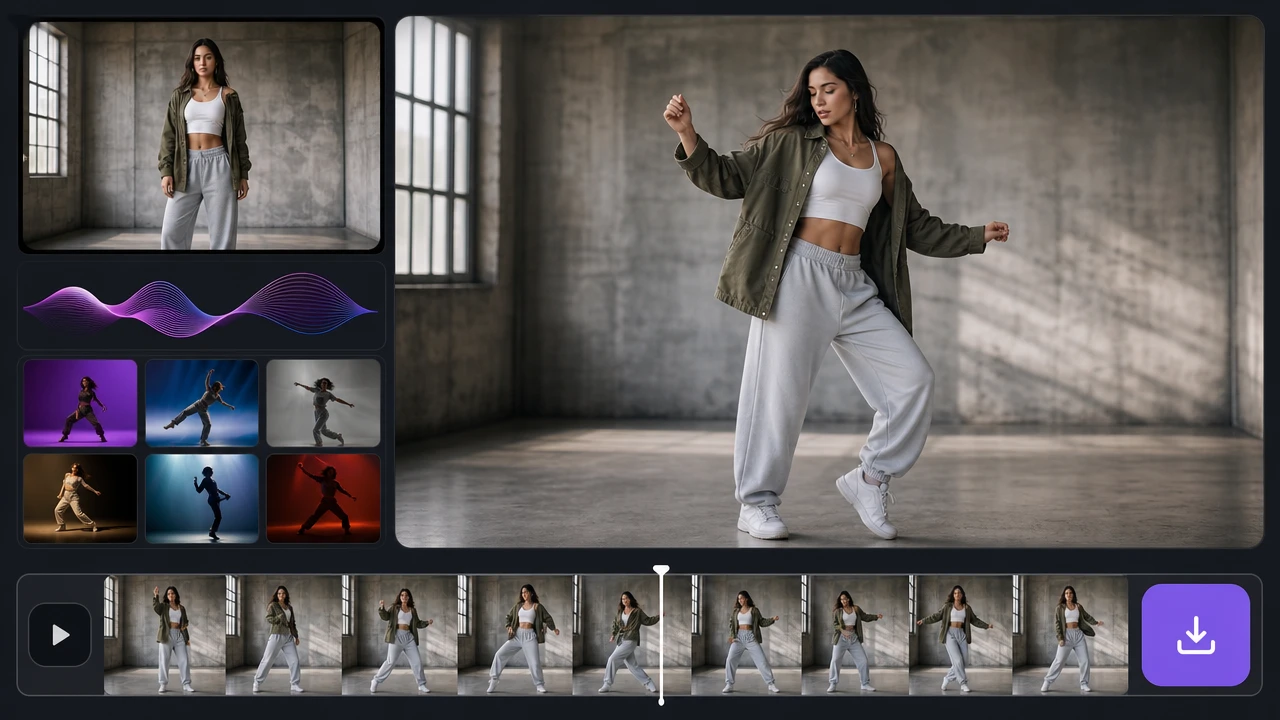
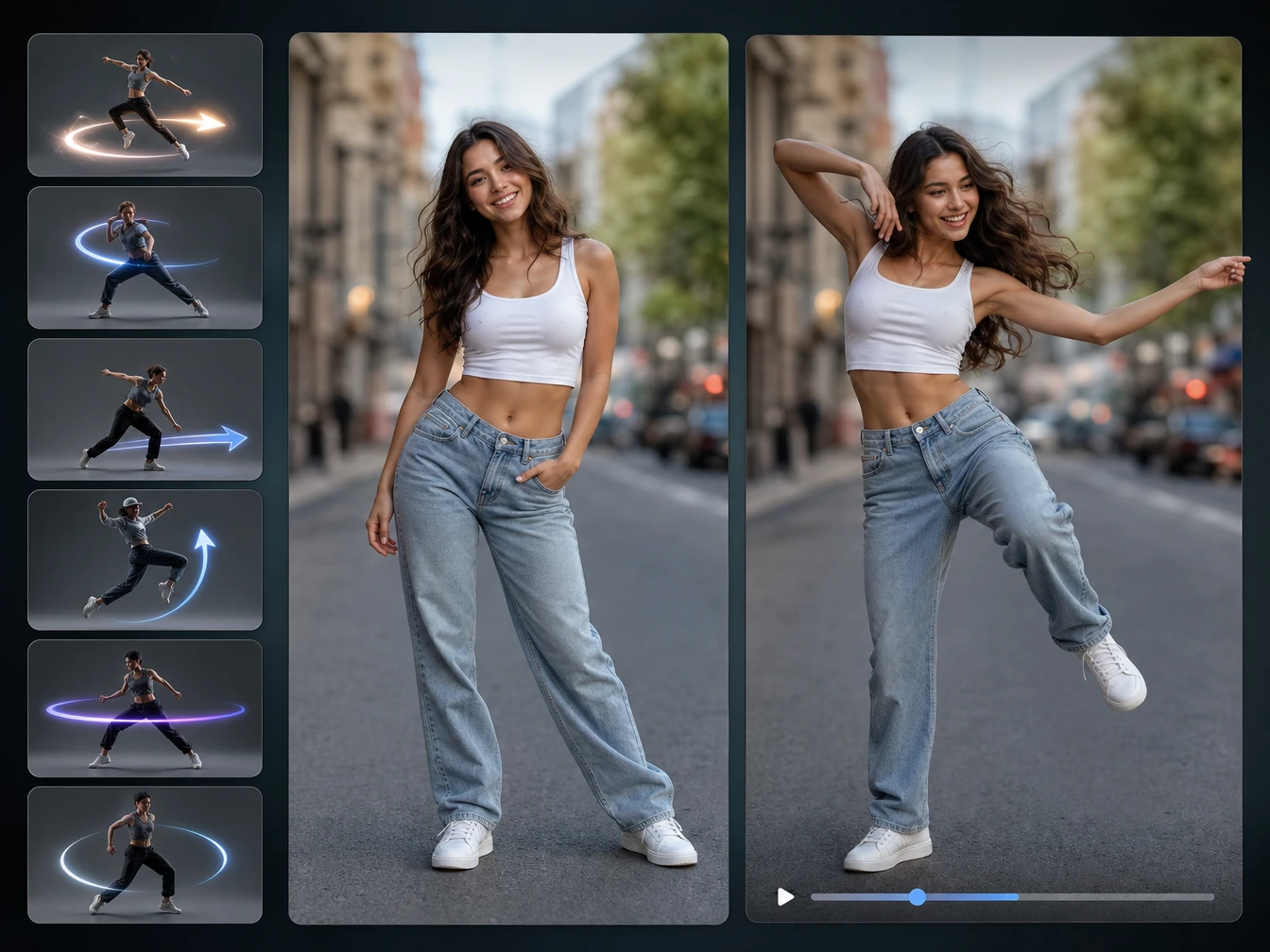
The ai dance generator uses social video dance styles when you want a clip that feels built for short form sharing. Pick the style that matches the character and mood, then preview how the movement reads. The output is strongest when the source pose gives the body enough space to move.
03Motion Fit
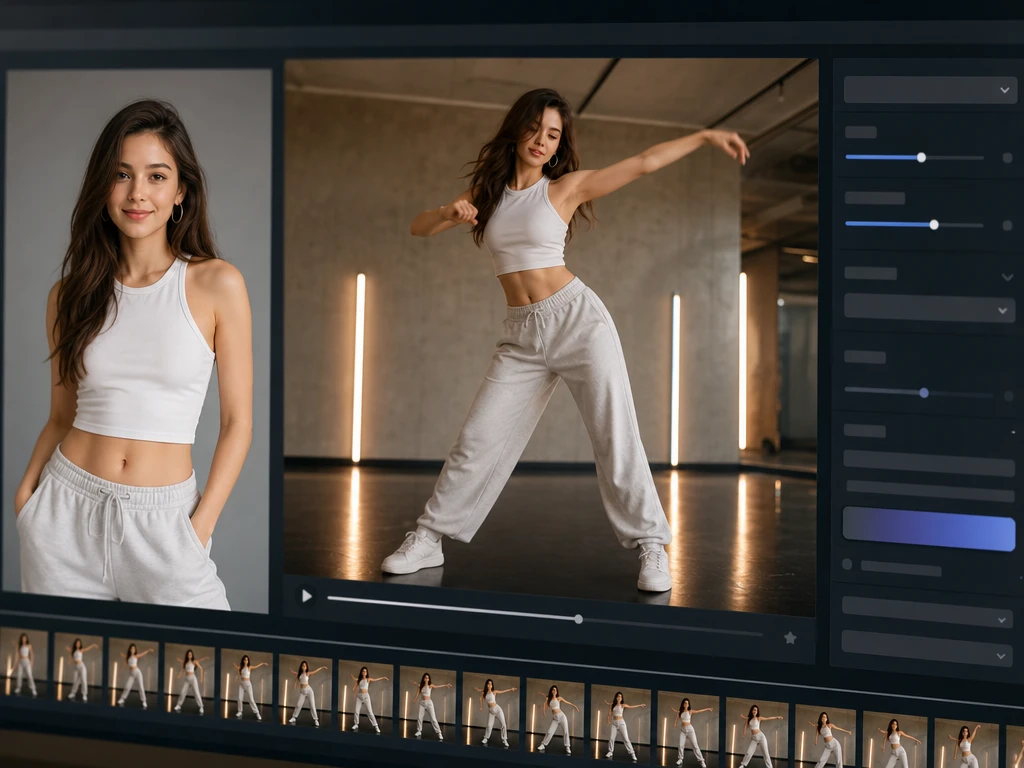
PictureMaker maps dance movement onto the image so the clip has visible rhythm instead of a static photo effect. You choose the photo and style while PictureMaker handles the image to motion ai step. The result keeps the subject moving with better control when arms, legs, and the face are not blocked.
04Social Export
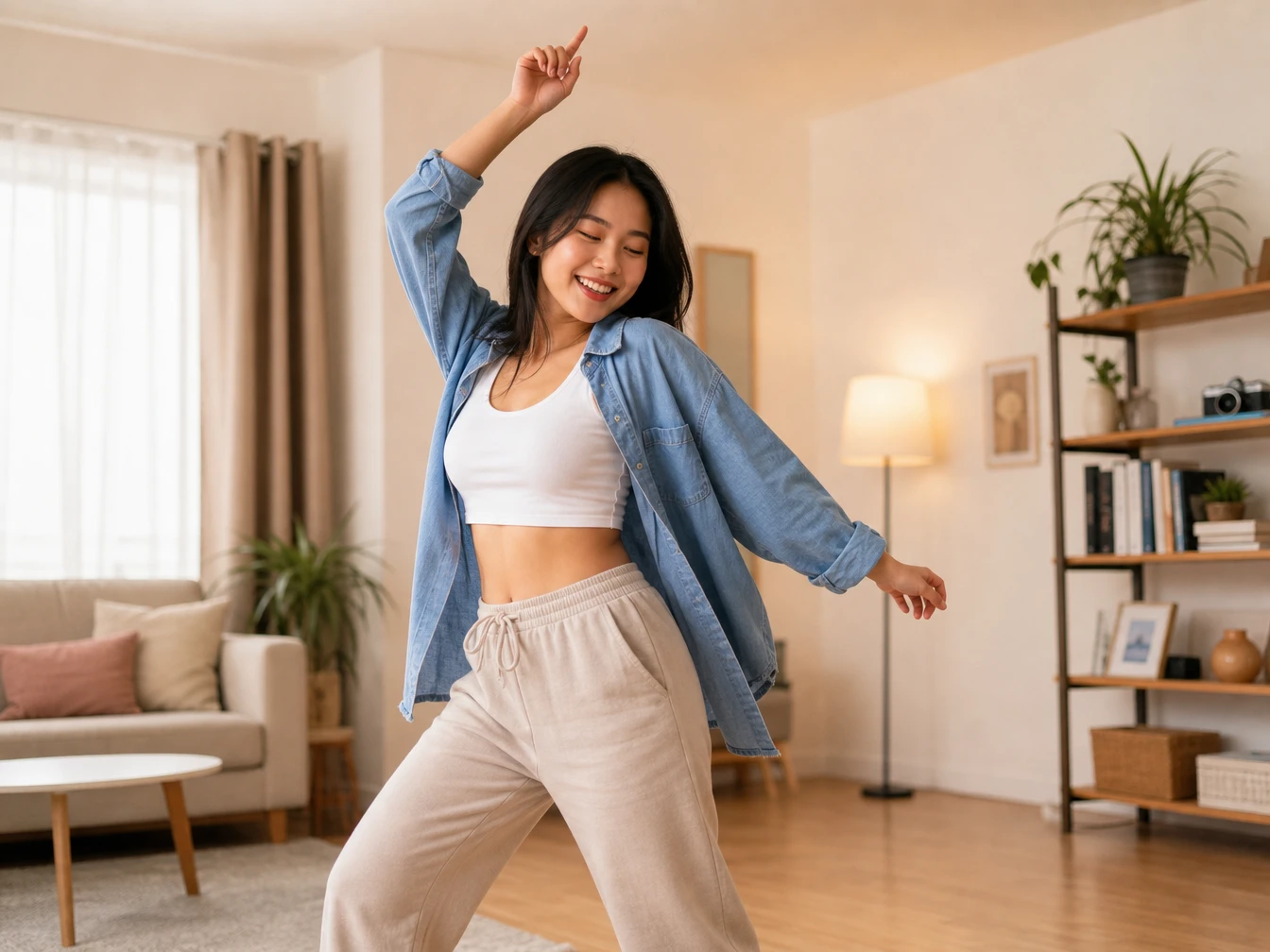
PictureMaker prepares the generated dance video for social sharing when the goal is a short clip for feeds or reels. Review the preview, then export with the setting that fits your post. The ai dance generator is intended for share ready dance clips, while exact platform choices depend on the available export options.