text to speech with previews
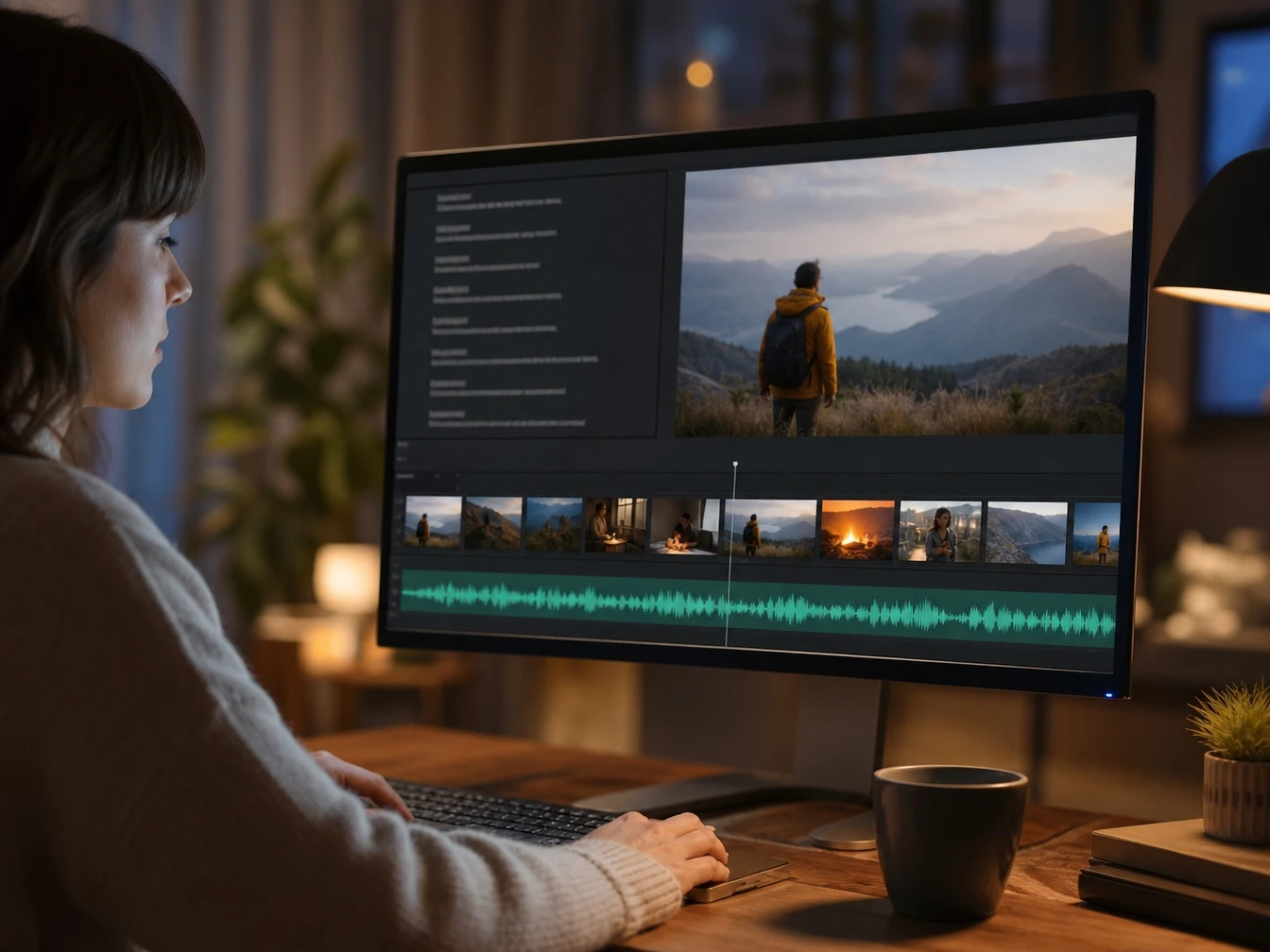
Use PictureMaker as a voice generator for quick checks before the narration moves into a video, lesson, article, or product demo.
01Preview First
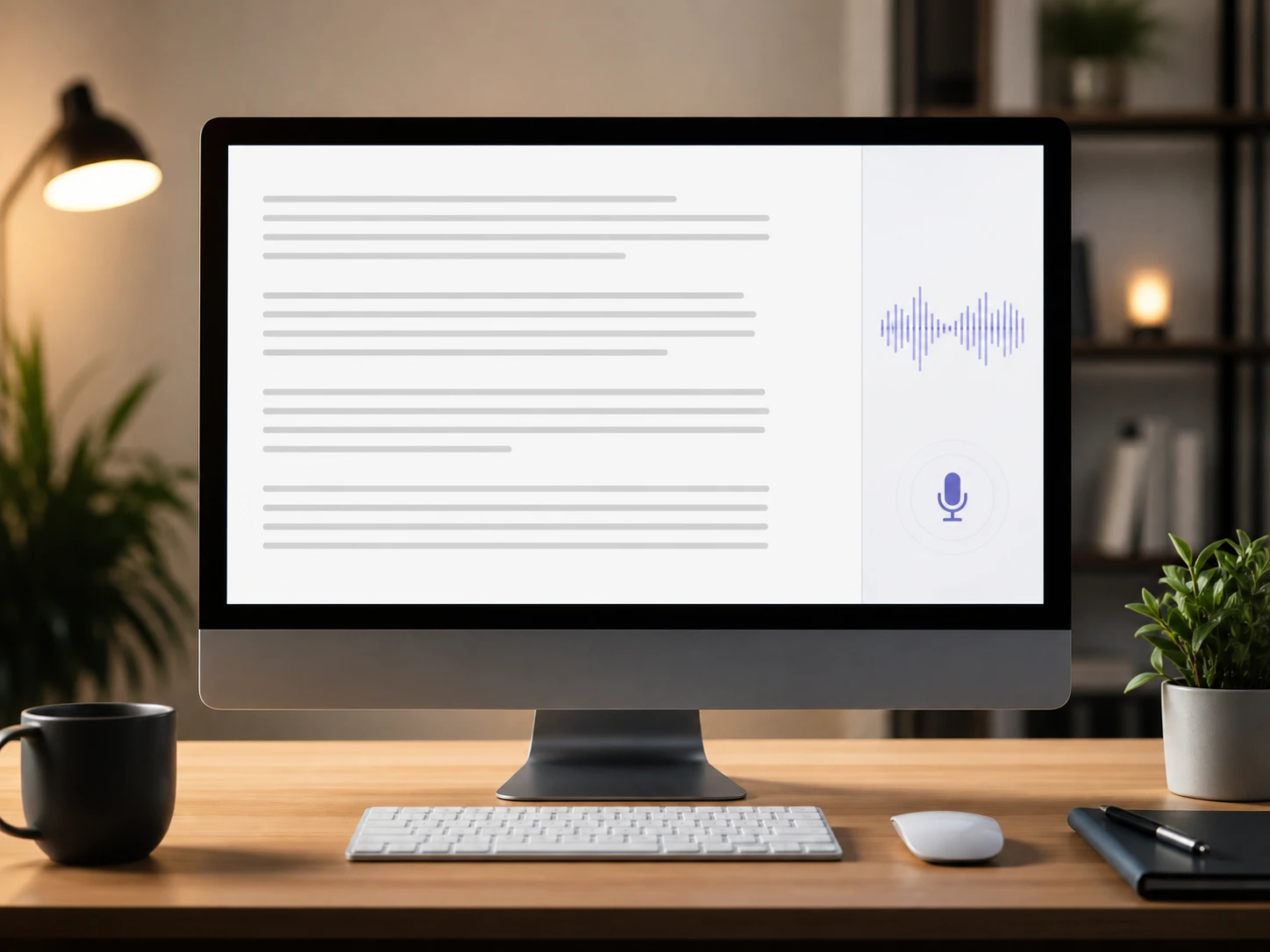
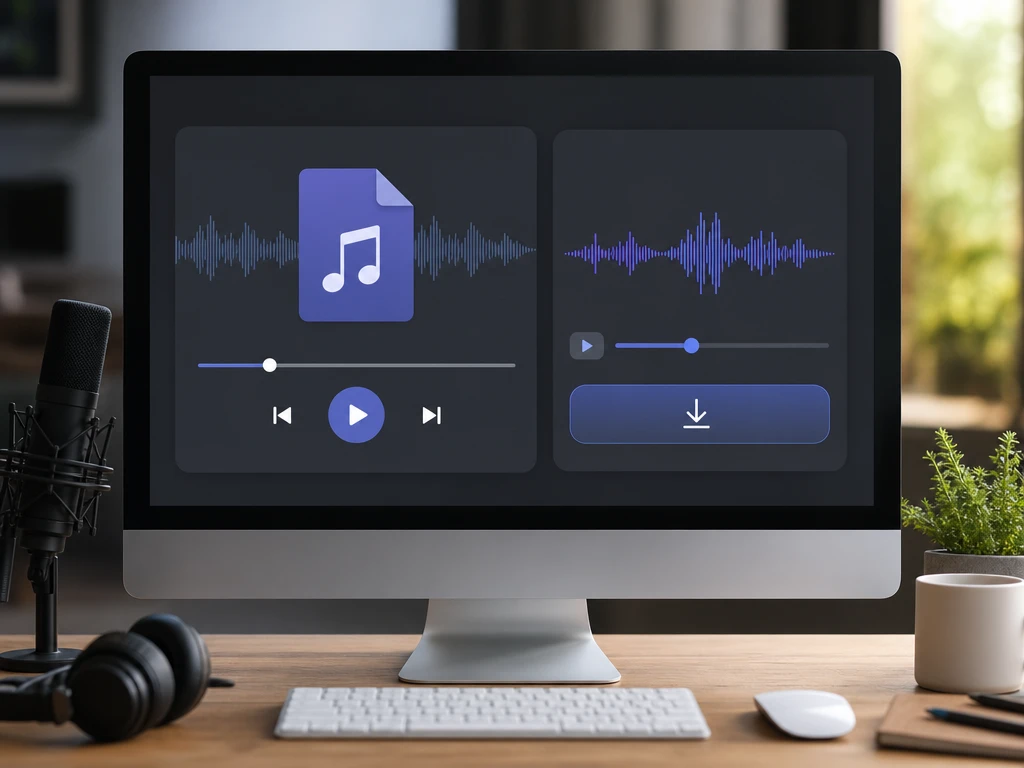
PictureMaker gives you an online preview before export, so you can hear how the script reads as an ai voice over. That check helps you catch awkward phrasing before the audio file reaches your timeline.
02Natural Read
The ai voice generator focuses on smooth pronunciation and natural rhythm for narration, lessons, and article listening. Strong punctuation and clean wording give the voice clearer direction.
03Common Formats
PictureMaker exports common audio files such as MP3 after you approve the preview. That makes the voiceover easier to place in editing software, training material, or a playback library.
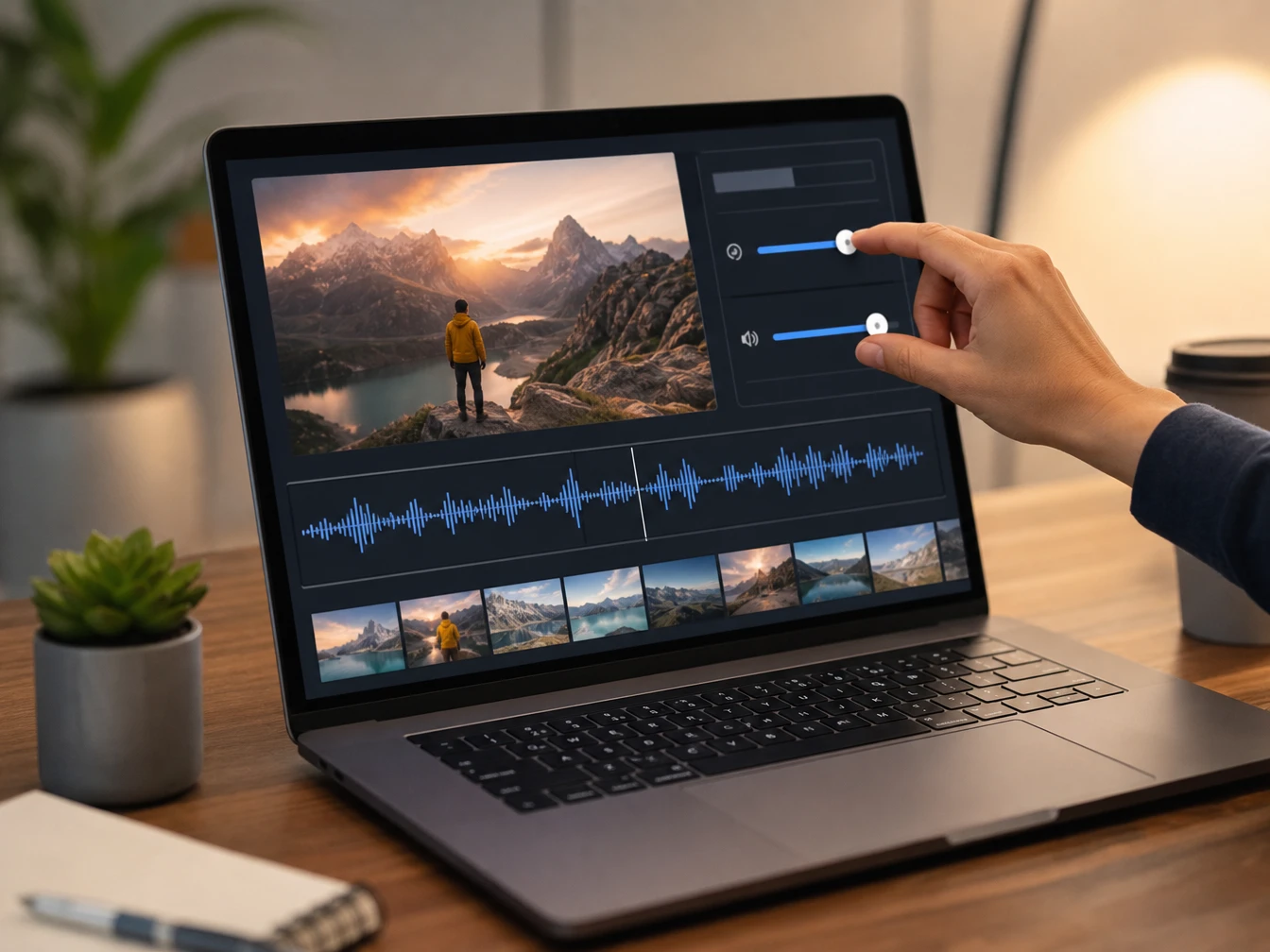
04Quick Adjustments
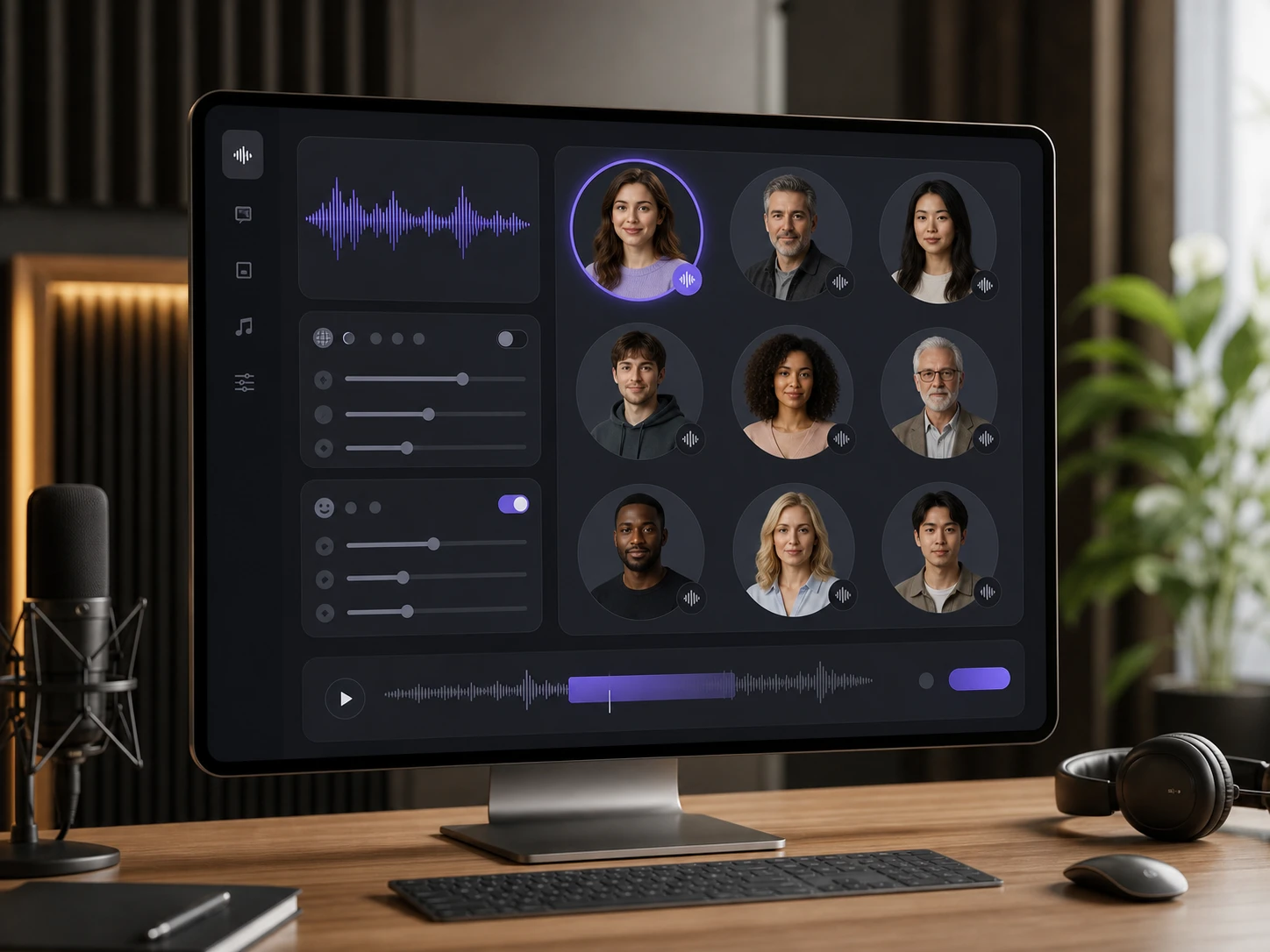
Speed and volume controls help the text to speech ai output fit the scene, lesson, or listening moment. Short previews are useful before exporting a longer track.