PictureMaker
Choose an audio to transform
The audio file whose voice you want to changeClick or drag to upload / choose from
Target Voice
Remove Background NoiseOff
Voice changer workspace with source track, effect preview, and export panel

AI voice studio

voice changer for controlled character audio

Shape a source recording into a different voice for a clip, podcast part, private message, or social audio while keeping the emotion and pacing clear.

Start Now

Who uses this voice changer

Creator timeline with character voiceover track and effect preview

Video Creators

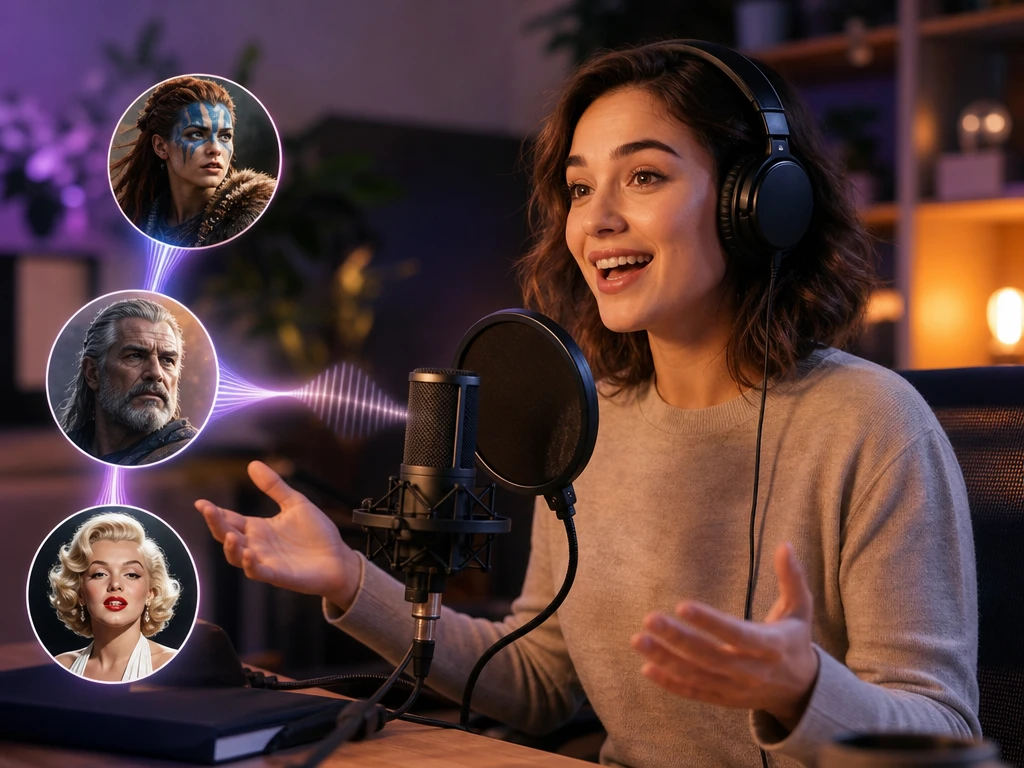
Character voices for clips

Turn one voiceover into separate character takes for short videos, animation scenes, or podcast moments. The voice changer helps you test tone before the audio moves into the final edit.

Voice changer controls that matter

PictureMaker keeps the decision close to the track: choose the source, test the voice, adjust the tone, then download the audio file you want to use.

Microphone recording and uploaded audio file inside a voice changer panel

Mic Or Upload

When you have a fresh line to perform or an existing take to reuse, PictureMaker accepts microphone recording or a local audio file such as MP3 or WAV. Record in the browser or upload the track, then choose the voice changer effect that matches the scene. The output starts from your actual speech, so clean input audio gives the ai voice changer more useful detail to preserve.
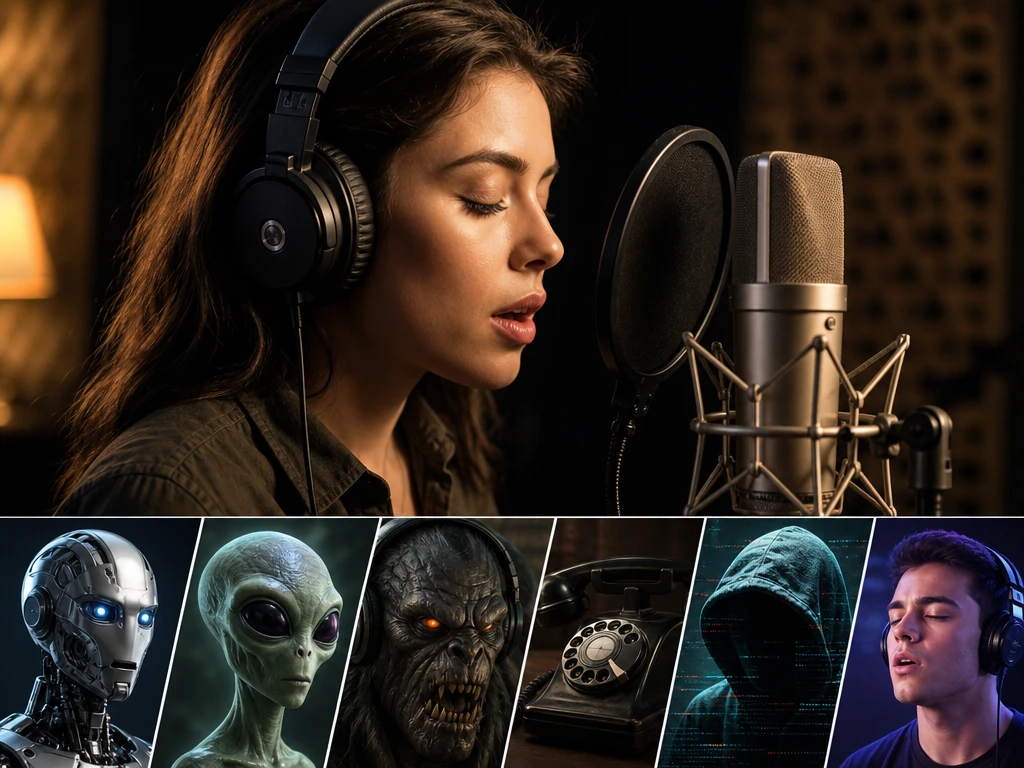
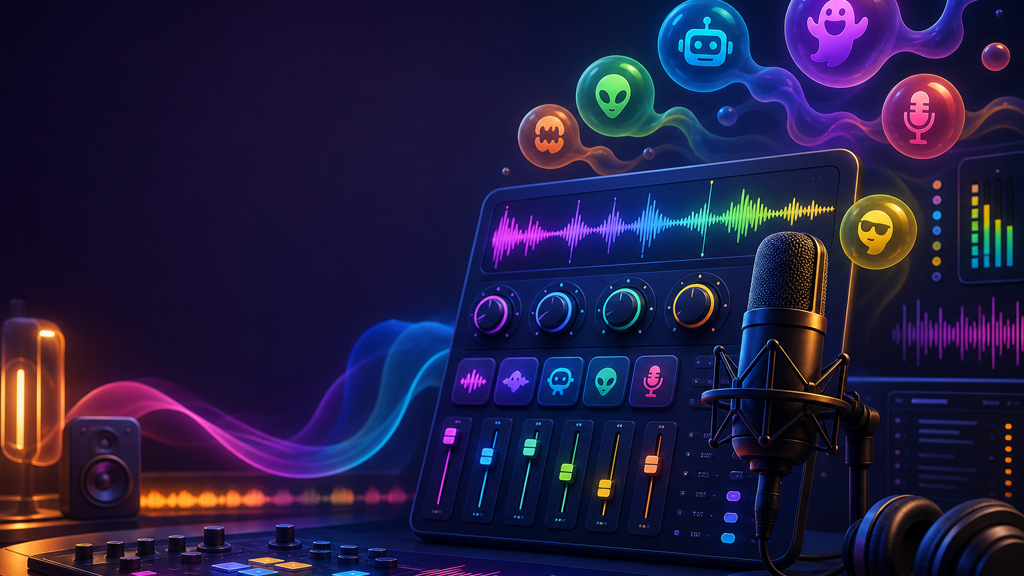
Preset voice effects list with robot, alien, monster, and phone tones

Voice Effects

If a clip needs a robot, alien, monster, phone style, anonymous hacker tone, or gender shifted voice, PictureMaker gives you preset effects to audition. Pick a filter, listen to the preview, and switch choices before export. The voice changer with effects works best when the original line has clear speech and the chosen style fits the scene.

Voice waveform preview showing original tone and changed voice output

Natural Tone

When the changed voice still needs to carry emotion, PictureMaker uses voice changer ai processing to keep phrasing, intonation, and pronunciation details present. You do not need to rebuild the line from separate takes unless the performance itself needs changing. The result sounds closer to a performed voice than a flat filter, provided the source recording already has the feeling you want.

Pitch slider beside voice waveform and preview playback controls

Pitch Tuning

Pitch control lets you move the voice higher or lower when a preset is close but not quite right. Adjust the setting, preview the track, and keep the version that fits your character or message. The voice modulator gives more control than a single preset, although extreme changes can make speech less natural.

Make a voice changer track

Start with the recording you have, make the creative choice in preview, and export a file for editing or sharing.

  1. 1

    Record a line from your microphone or upload an audio file, then PictureMaker loads it as the source track so the voice changer online has speech to process.

  2. 2

    Select a preset voice or tune pitch, then preview the changed track so you can hear whether the voice supports the character, joke, or privacy goal.

  3. 3

    Confirm the take after preview, then PictureMaker processes the voice changer output and gives you a high quality audio file for an edit, post, or voice message.

Where a voice changer fits

Use the track where a different voice helps the scene, the audience, or the sender stay clear.

01

Short video roles

Create different character voices from one recorded performance for sketches, explainers, or animated clips. The voice changer keeps the workflow focused on the line you already recorded.

02

Podcast character parts

Build a separate voice for a recurring segment, fictional guest, or story beat. An ai voice changer quick test can help you judge whether the effect supports the episode before you commit to the full track.

03

Gaming voice files

Prepare a changed audio clip for social play, stream intermissions, or chat reactions that accept file based audio. This voice changer app creates downloadable output rather than promising live microphone takeover.

04

Private audio sharing

Mask recognizable voice traits before sending a message in an online space. An online voice changer trial is useful for checking the tone while keeping the final decision in your hands.

See how PictureMaker handles your recording, voice effect, pitch choice, preview, and download in one browser workspace.

Try a voice changer take

See how PictureMaker handles your recording, voice effect, pitch choice, preview, and download in one browser workspace.

Start Now

Voice changer questions

Can I use the voice changer with my own recording?

Yes, the voice changer supports microphone recording and uploaded local audio files. A clearer source track gives the effect more speech detail to carry into the download.

Is this a real time voice changer for live chats?

PictureMaker is described here as a browser based voice changer for recording, uploading, previewing, and downloading changed audio. Use the exported file in places that accept audio uploads.

What voice effects can I try?

The voice changer includes preset styles such as gender shifted voices, robot, alien, anonymous hacker, monster, and phone style audio. Pick the effect that serves the scene, then preview before export.

Will the changed voice keep emotion?

AI voice processing can keep parts of the original emotion, intonation, and pronunciation while changing the tone. The voice changer works best with a source performance that already has clear feeling and timing.

Can I adjust more than presets?

You can tune basic audio parameters such as pitch after choosing a preset. This voice changer gives you room to shape the character without forcing a full manual audio setup.

What can I do with the exported file?

Download the changed audio file for post production, social posts, voice messages, or any workflow that accepts audio files. The voice changer output is meant to move into your next editing or sharing step.

Is PictureMaker available for a quick test?

A quick test can help you judge the voice style before using it in a project. Check the current PictureMaker plan details in the product before relying on any starter access for ongoing work.