PictureMaker
Choose an image to adjust
Upload or choose an imageClick or drag to upload / choose from
1/4

Photo perspective control

Change photo perspective and keep the frame under your control

A tilted receipt, product photo, building shot, or whiteboard image needs clean edges before it can carry the idea. PictureMaker lets you change photo perspective with four corner points, live preview, and export settings that preserve a high quality image.

Start Now
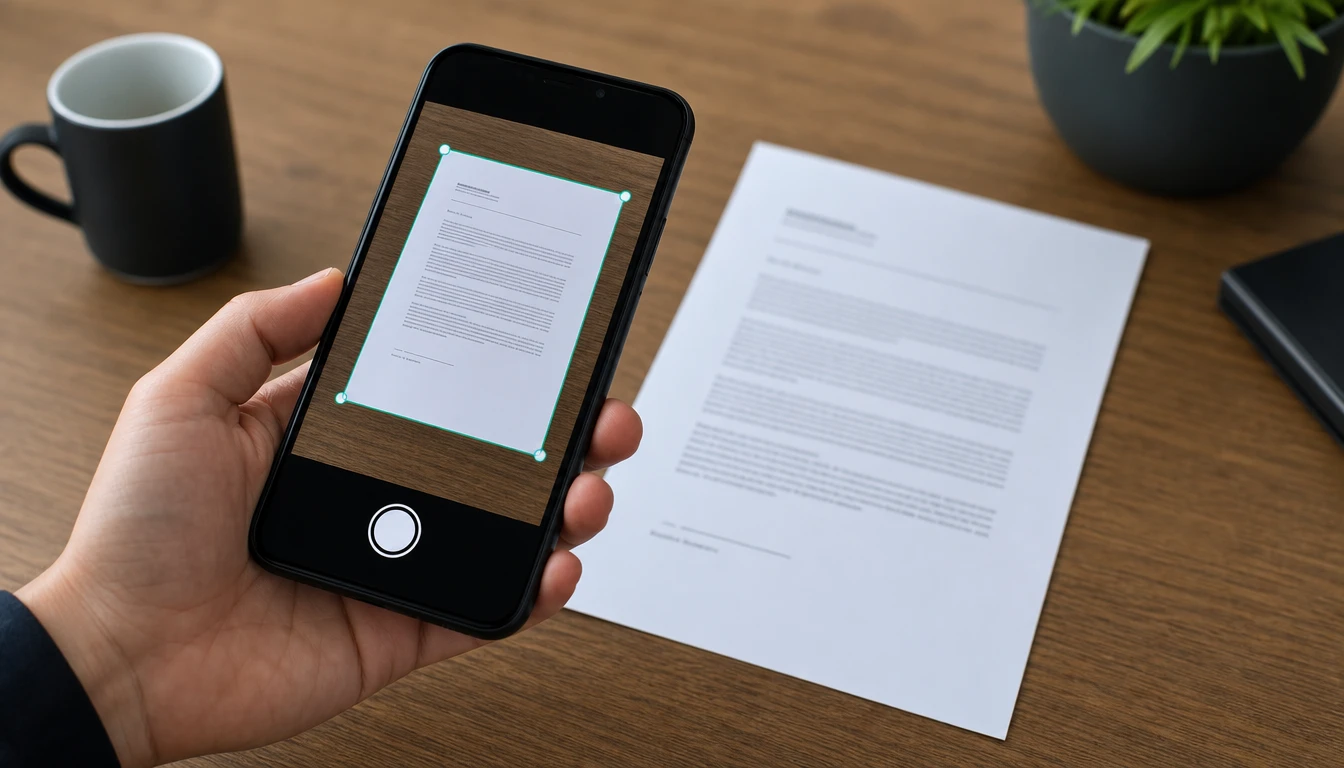
Tilted document photo corrected with corner points and a live perspective preview

Change photo perspective before export

Start with the source photo, decide which plane should look straight, then preview the change photo perspective result before you export the final image.

  1. 1

    Add a JPG or PNG source image, then choose the document, product face, building edge, or visual plane that needs a change photo perspective edit, so PictureMaker can frame the area you want to correct.

  2. 2

    When you need to change photo perspective, drag the four control points to the real corners of the page, sign, product, or wall, then watch the preview update as you adjust photo perspective.

  3. 3

    Review the change photo perspective preview, make any final point changes, then export the image at high quality or original resolution so the output is ready for a slide, listing, post, or archive.

Cleaner change photo perspective edits

Use practical controls that show how change photo perspective will affect the image before you commit to the export.

01

Four Point Control

PictureMaker uses four corner points to change image perspective when one flat area needs to become a clean rectangle. Place each point on the real edge of the document, product face, screen, or wall. The output looks most accurate when the visible corners are clear and not blocked by shadows or cropped edges.

02

Live Angle Preview

PictureMaker updates the preview while you change angle of photo areas that look skewed in the source image. You drag, pause, and compare the frame without waiting for a final render. The preview helps you catch overcorrection, though very warped lens edges may still need a careful point adjustment.

03

Document Straightening

PictureMaker works as a photo angle changer when a phone shot of a paper, book page, business card, invoice, or whiteboard needs a scan like rectangle. Align the corners and keep the readable area inside the frame. The result feels tidy for review or sharing when the original text is sharp enough to read.

04

Perspective Matching

PictureMaker helps change photo angle for composite visuals when a source image needs to match the space behind it. Adjust the four points until the object follows the same visual direction as the background. The match looks cleaner when the reference scene has clear lines for depth and scale.

Where change photo perspective helps

Each use case starts with a real photo problem, then moves toward a cleaner frame for the next creative step.

01

Phone Document Shots

If a receipt, page, card, or meeting note was shot from an awkward angle, use change photo perspective to pull it back into a readable rectangle. The corrected image supports review, filing, or sharing without rebuilding the page in another editor.

02

Whiteboard Records

A whiteboard photo often carries useful notes but bends at the edges because the camera was off center. Place the corners around the board and change picture angle until the writing sits in a cleaner frame. This works best when glare does not hide the marker strokes.

03

Architecture Lines

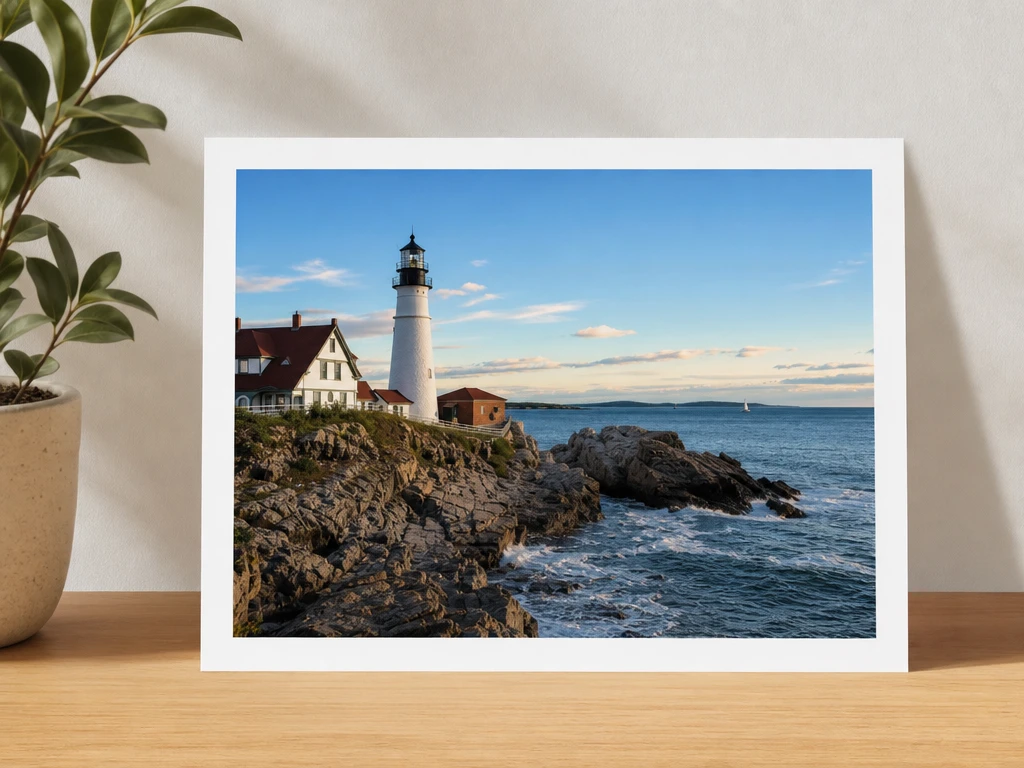
Buildings and interior walls can lean when the lens points upward or uses a wide angle. PictureMaker lets you adjust photo perspective so vertical edges look more controlled while keeping the original photo as the source. The result is useful for travel images, property visuals, and design references.

04

Product Layouts

Product photos need consistent angles when several items share one listing, collage, or campaign layout. Use change perspective ai support in PictureMaker to line up faces, labels, and box edges before export. Clean perspective helps the viewer compare the item instead of noticing the camera angle.


Creators who need straighter photos

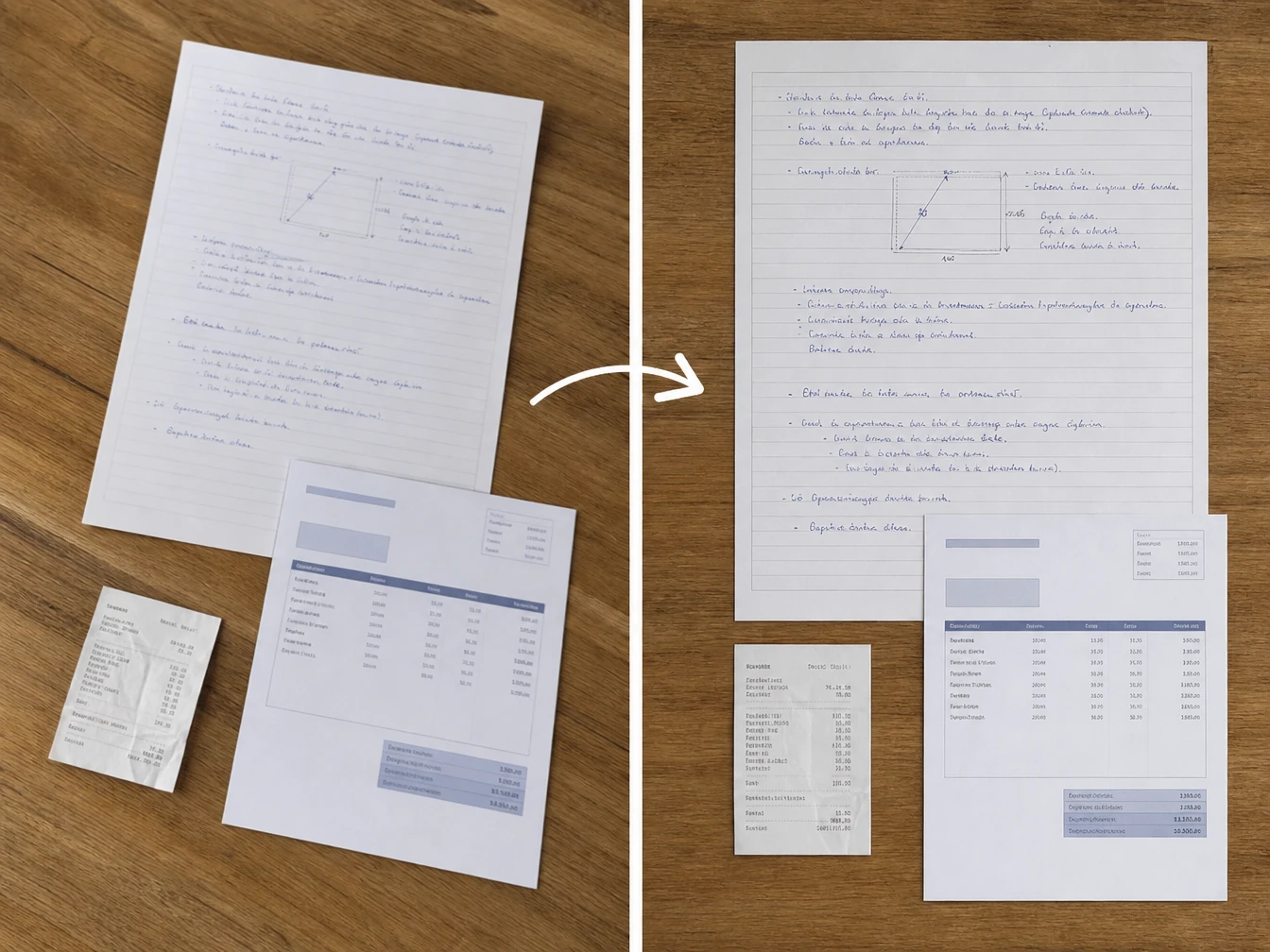
Desk photo of notes and receipts corrected into straight document frames

Office Notes

Students and office teams

Class notes, invoices, forms, and meeting boards become easier to read after you change photo perspective and square up the frame. The control points keep the edit focused on the page, so the final image supports review instead of distracting with a tilted camera angle.

See how PictureMaker handles one tilted source image: mark the corners, preview the correction, and export a high quality result for the next edit.

Try a cleaner photo angle

See how PictureMaker handles one tilted source image: mark the corners, preview the correction, and export a high quality result for the next edit.

Create

Change photo perspective questions

Can I change photo perspective for scanned documents?

Yes, change photo perspective works well for paper documents, invoices, book pages, business cards, and whiteboard photos when the corners are visible. Mark the four edges, then export a straighter image that reads more like a scan.

Does PictureMaker support JPG and PNG photos?

PictureMaker supports common image inputs such as JPG and PNG for this edit. That lets you change photo perspective on typical phone shots, product images, and reference photos before exporting the corrected result.

Will changing perspective reduce image quality?

The tool exports a high quality or original resolution image after correction. For the cleanest result, start with a sharp source photo because change photo perspective can straighten the frame but cannot restore detail that was blurred during capture.

Can I fix leaning building edges?

Yes, PictureMaker can help straighten building edges caused by upward shooting angles or wide lens distortion. Use change photo perspective on the visible wall or facade, then check the preview to avoid pushing the structure past a natural looking correction.

How precise are the four corner controls?

Four corner controls let you frame the exact area that should become rectangular. Change photo perspective is most precise when the object has clear edges, so cropped corners or heavy shadows may need smaller adjustments in the preview.

Can I match an object to a background scene?

PictureMaker can adjust the perspective of a source image so it fits the direction of a background space in a composite. Use the preview as a reference, because change photo perspective depends on visible lines that show the scene angle.

Is this a batch photo perspective tool?

This page only describes changing the perspective of a photo through the visible editor controls. Change photo perspective one image at a time unless PictureMaker confirms batch perspective editing in the product interface.

Do I need professional editing knowledge?

The edit uses direct dragging instead of complex image editing terms. Change photo perspective by placing the four points, checking the live preview, and exporting when the image looks straight enough for your use case.