
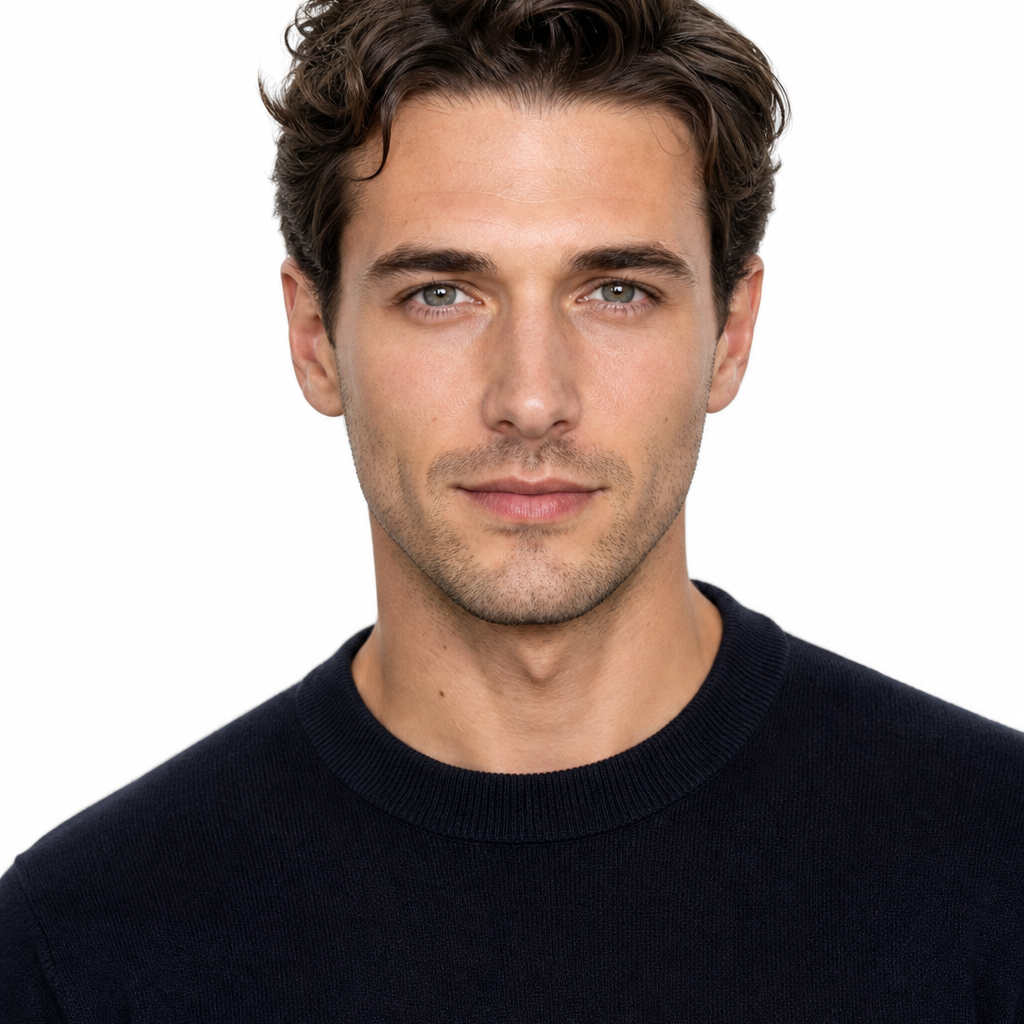
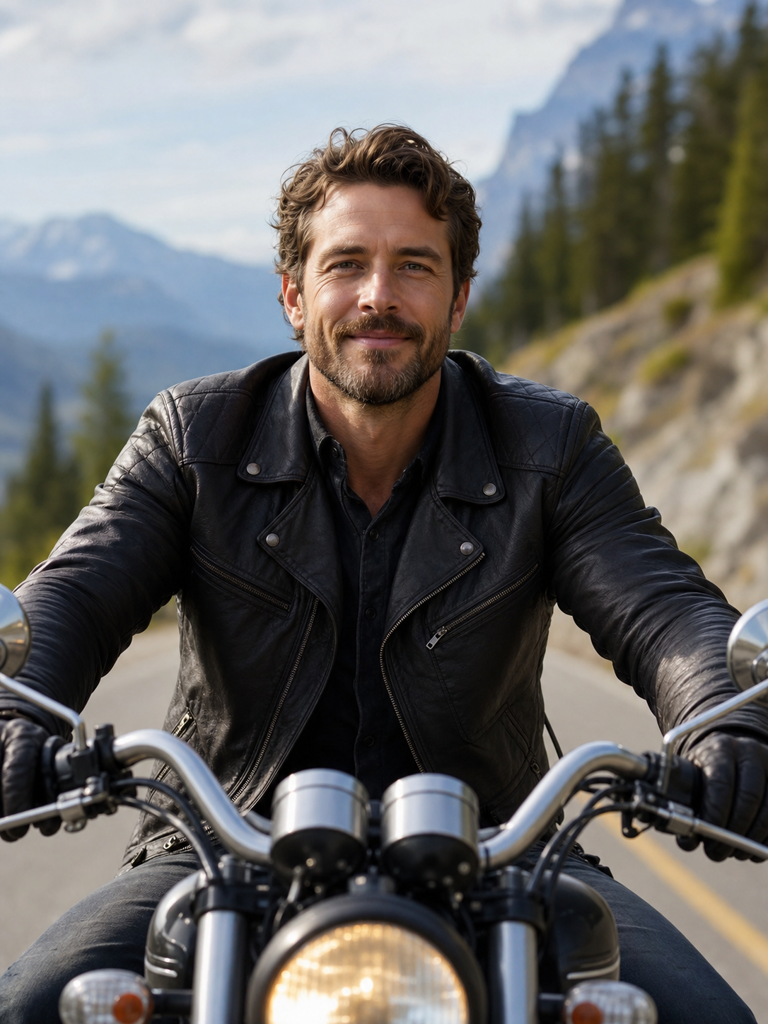
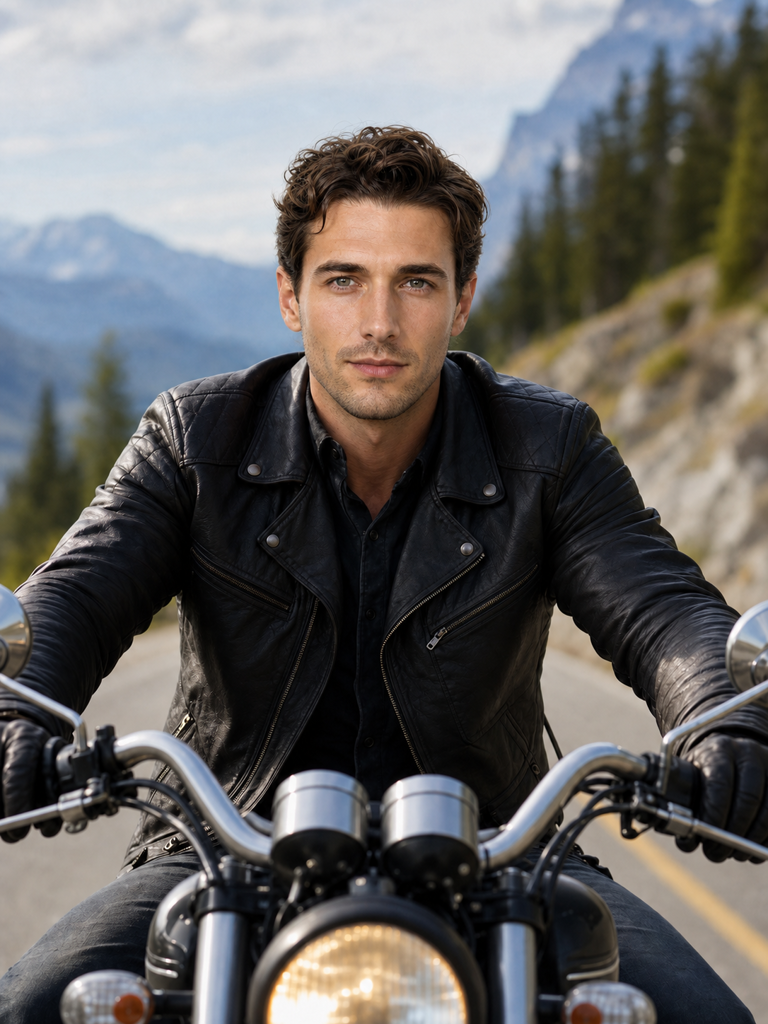
Natural facial edges
Soft transitions around the jaw, hairline, and cheeks help the ai face swap sit inside the original image instead of floating above it.

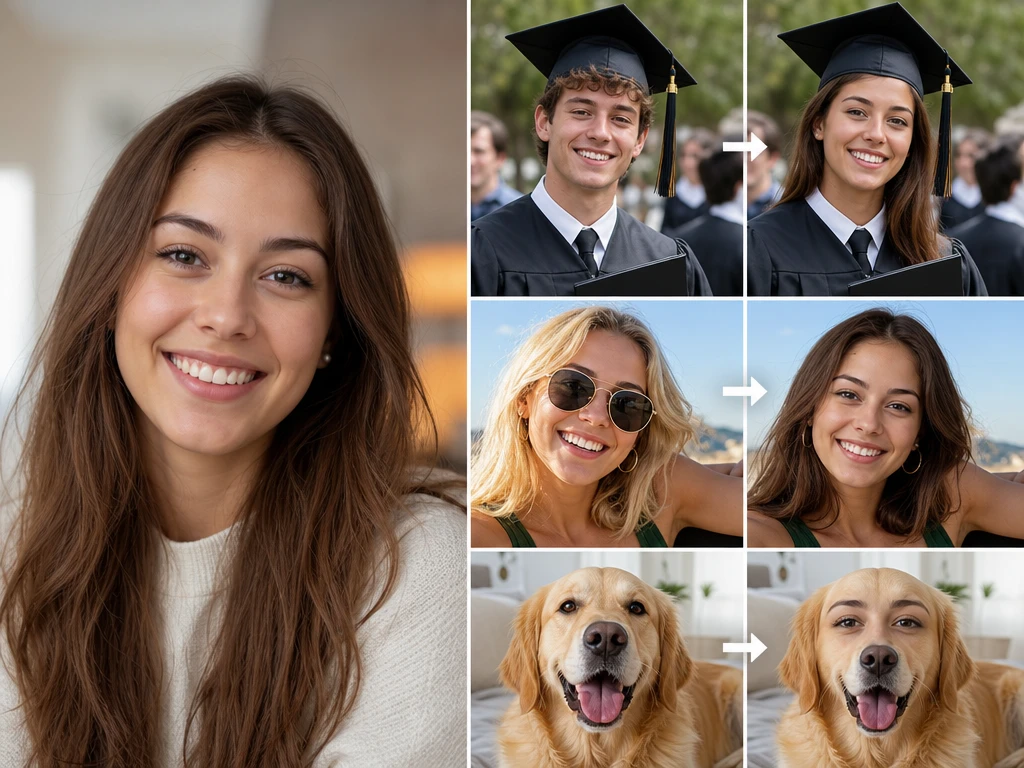
Photo face editing
Upload a target image and a clear source face, then let picturemaker blend the new face into the original pose, lighting, and skin tone.
Swap Faces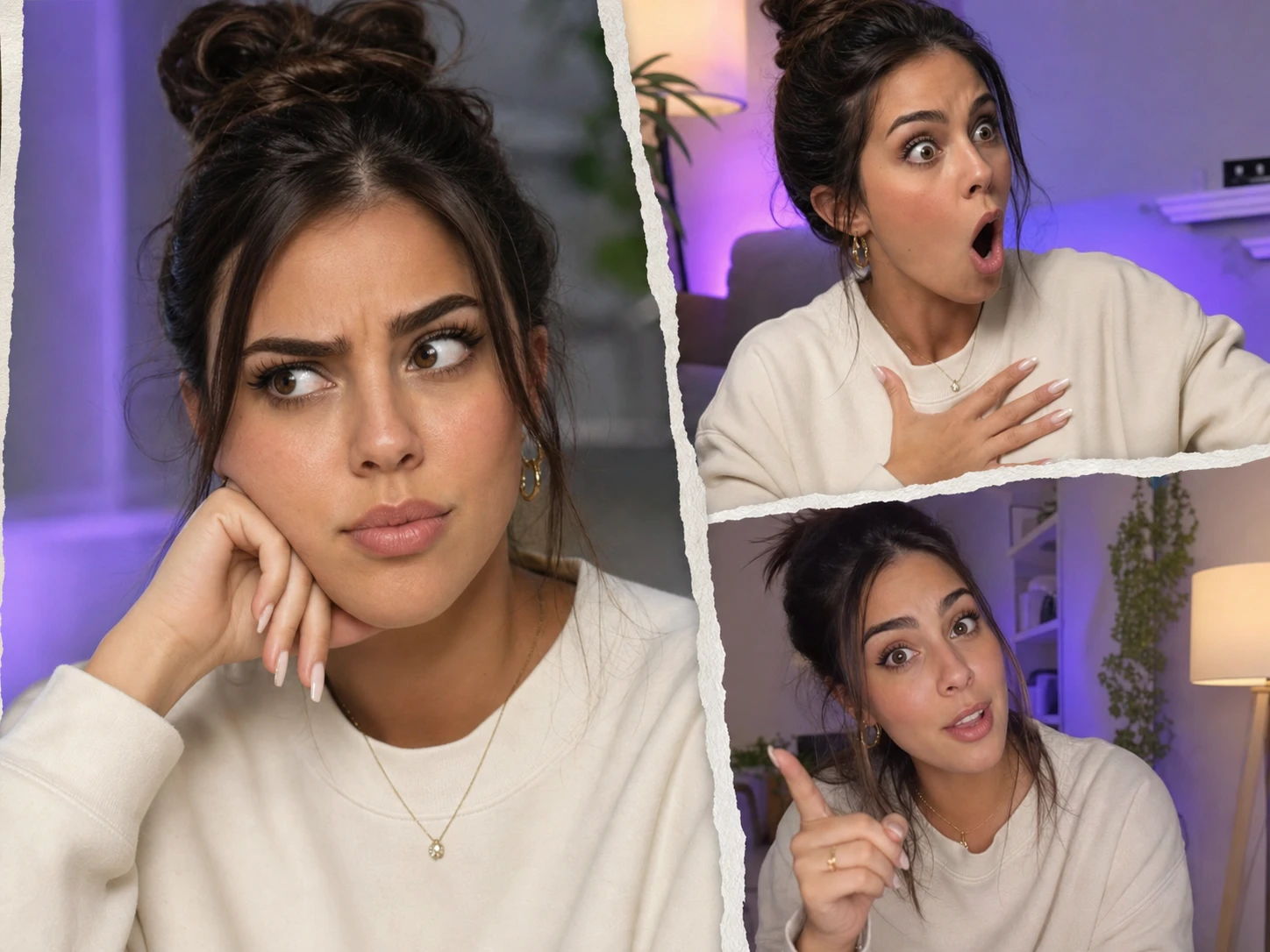
Social Posts
Use face swap online to place yourself or friends into meme images, character posters, or still scene photos while keeping the original pose and composition.
The result should look like a finished photo, not a pasted sticker. picturemaker studies facial shape, light direction, and skin color before blending the source face into the target image.
Soft transitions around the jaw, hairline, and cheeks help the ai face swap sit inside the original image instead of floating above it.
Balanced highlights, shadows, and skin tone make the face swap ai result easier to use for portraits, covers, and social images.
When a target image contains several faces, picturemaker can identify them and let you assign a different replacement face to each person.
The faceswap workflow only needs a target image and a clear face photo. Manual cutouts and retouching experience are not required.
Use clear source faces and target photos with visible faces. The tool returns a high definition image in the same format after the blend is complete.
Choose the image that contains the pose, outfit, group setting, poster, or scene you want to keep for the final face swap.
Select a clear face photo for each person you want to replace. Clear eyes, face shape, and skin detail give the ai face swap more useful information.
picturemaker blends the replacement face into the static photo and gives you a polished image for saving, sharing, or further design work.
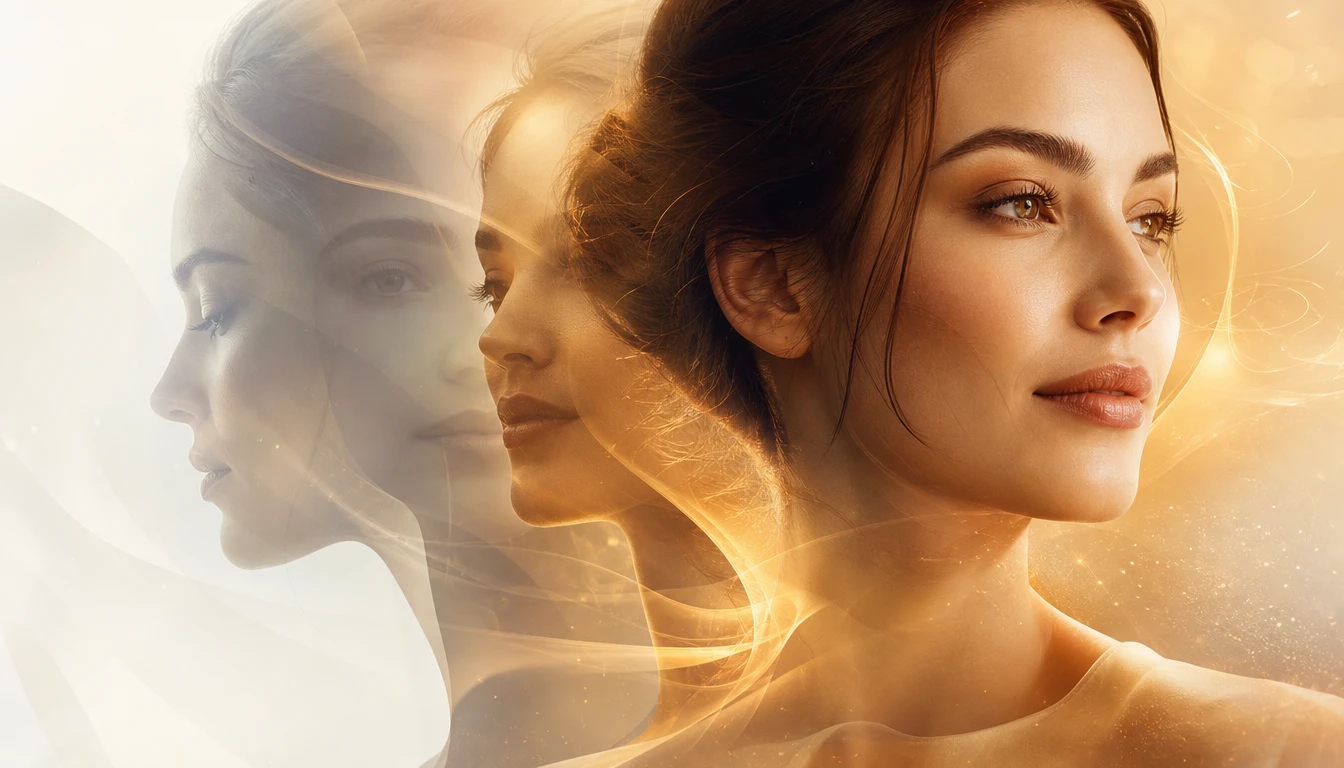
Turn portraits, group shots, and creative still images into personalized edits with a face swap app built for static photo results.
Create Face SwapIt replaces a face in a static image with a source face photo, then blends facial shape, lighting, and skin tone into the target picture.
Yes, picturemaker can detect several people in a group image and lets you choose a separate replacement face for each person.
Use a target photo with visible faces and a clear source face photo. Sharp facial detail helps the face swap preserve cleaner edges and expressions.
This feature is for static image input and static image output. It is designed for photo edits such as portraits, posters, memes, and group shots.
A clearer face photo can replace a blink, awkward smile, or missed expression while keeping the rest of the group photo intact.
Many users use that search when comparing tools. picturemaker requires login, so check the current product page for access details.
The output is built around matched skin tone, facial geometry, and light direction, so the new face belongs more naturally inside the original photo.
Creators often search ai face swap free when comparing options, but this page describes picturemaker only. It focuses on image based face replacement after login.
It serves social media users, image creators, everyday photo editors, digital artists, and marketers who need creative still images with personalized faces.