
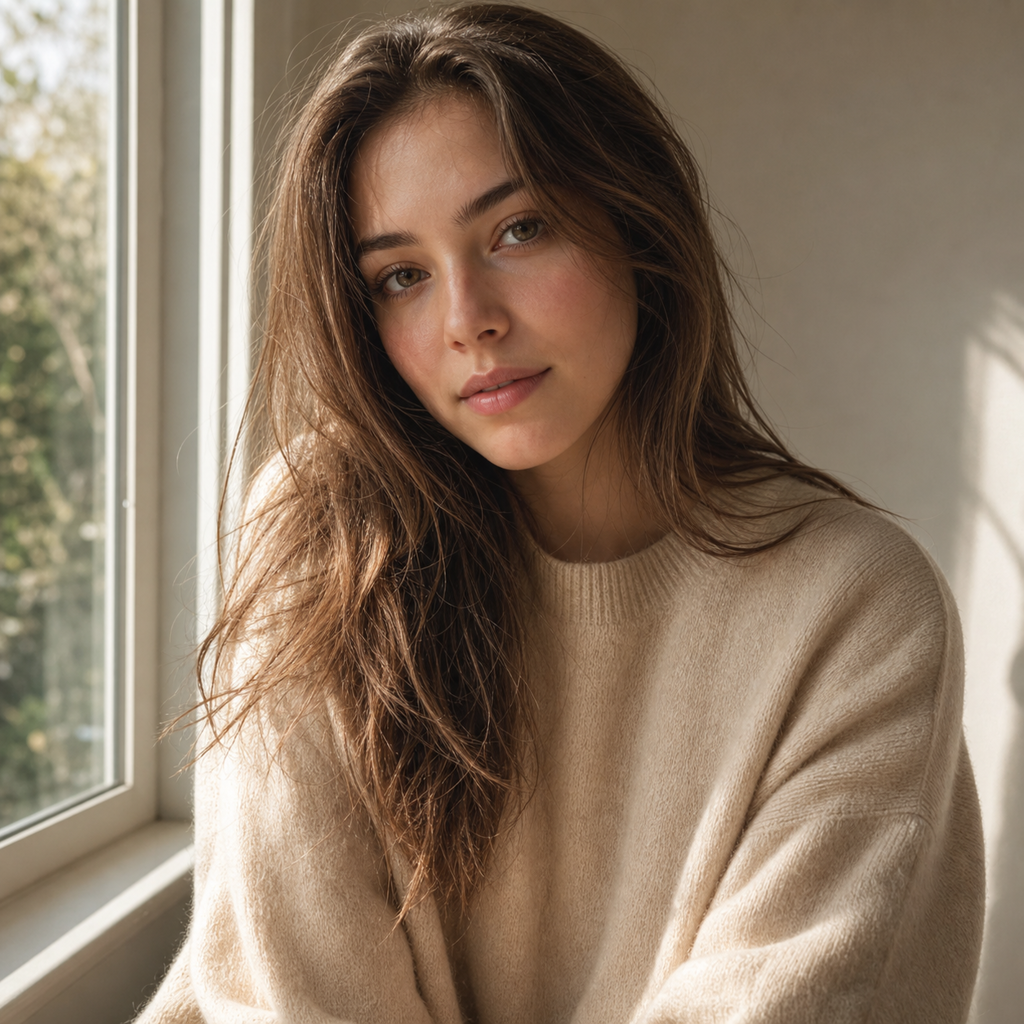
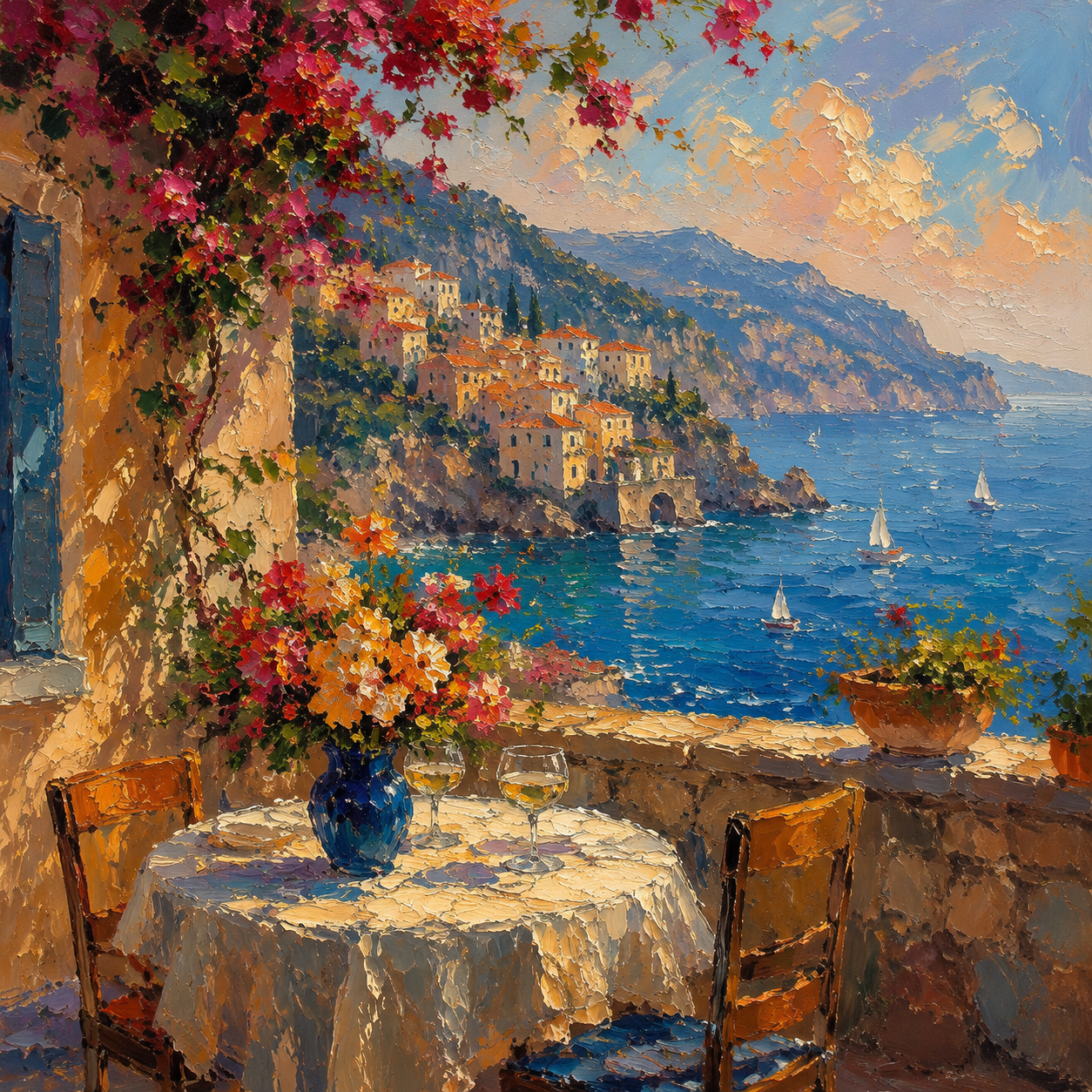
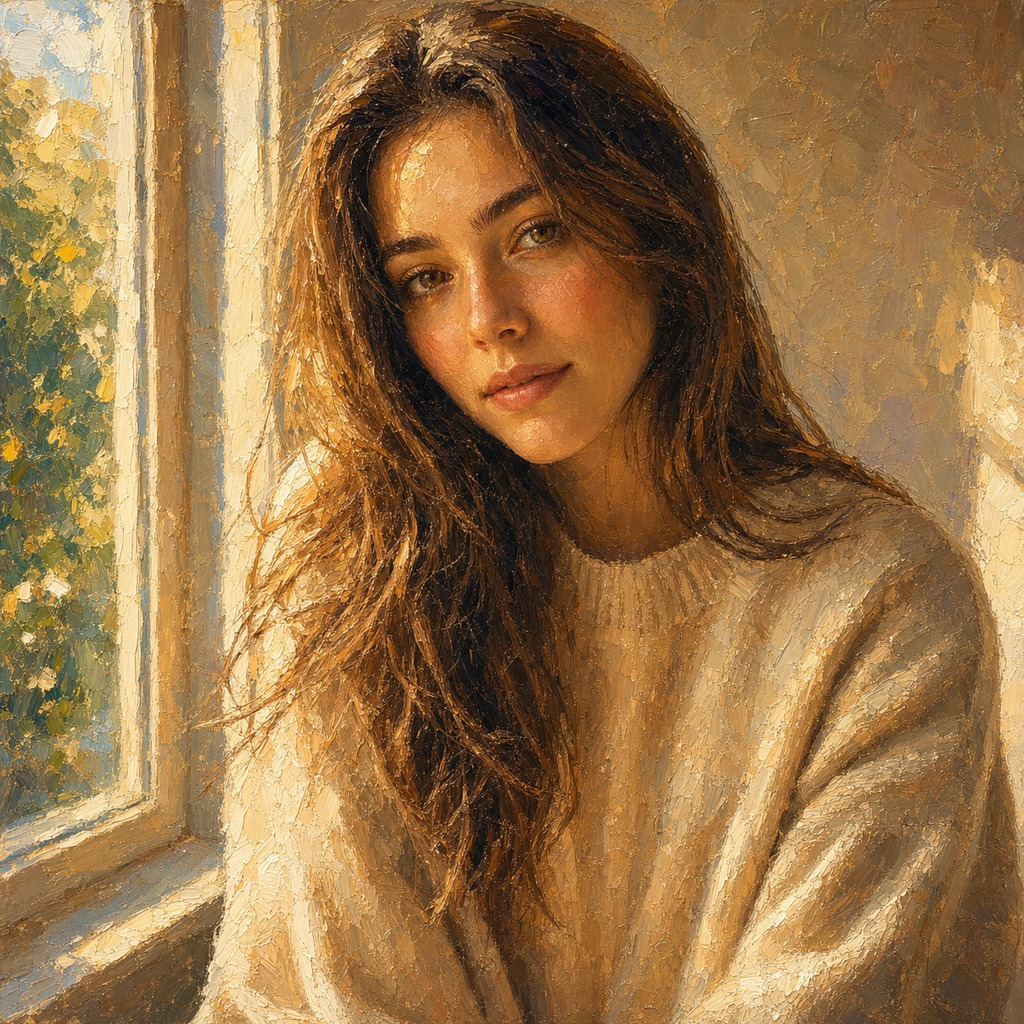
Social Posts
When a profile photo needs more character, ai art style presets help you turn photo into art for avatars, story images, and feed visuals while the main face or subject stays recognizable.

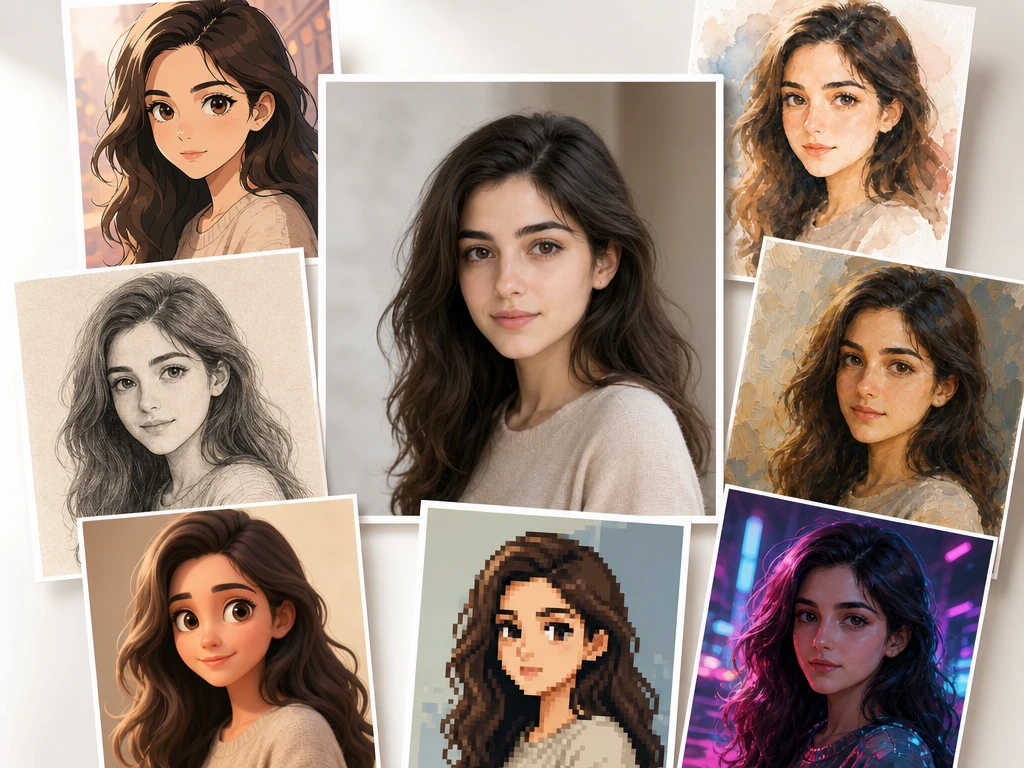
Image Style Transfer
A portrait needs to keep the face recognizable while the look moves toward watercolor, oil painting, anime, 3D cartoon, vintage sketch, cyberpunk, or pixel art. PictureMaker helps you choose an ai art style, preview the image, then save or download the result.
CreateChoose a look based on where the image will appear, so the output supports the post, article, concept board, or saved memory.
When a profile photo needs more character, ai art style presets help you turn photo into art for avatars, story images, and feed visuals while the main face or subject stays recognizable.
Independent creators can use ai art style output for article covers, story scenes, and novel visuals after writing a short prompt or uploading a source image.
Designers and illustrators can test style transfer directions for poster backgrounds, illustration references, or concept sketches before committing to manual work.
Daily landscapes, pet photos, and group shots can become ai art style keepsakes in watercolor, oil painting, vintage sketch, or pixel art for saving and sharing.
Start from a JPG, PNG, or prompt, then keep the creative decision focused on style, source detail, preview, and export.
If you start from a photo, upload a common image file such as JPG or PNG, then choose whether the ai art style should stay close to the source outline or push the mood further. The preview begins from that input, so the subject remains the main reference.
Pick a preset such as watercolor, oil painting, anime, 3D cartoon, cyberpunk, vintage sketch, or pixel art, then add a prompt if the image needs a clearer scene or object. PictureMaker applies the ai art filter to the source or prompt so you can compare a photo to painting ai direction before export.
Review the generated image, adjust the prompt or style choice after that, and save or download the version that matches the intended post, cover, or reference. The ai art style result is an image file, not a video or local pixel edit.
Sharper choices come from matching the source image to the style rather than asking one preset to solve every visual problem.
Photo style transfer changes a source image into an ai art style look for portraits, pets, landscapes, or product visuals that need a more illustrated finish. Upload the photo, choose the style, and review whether the main outline still reads clearly. The output keeps recognizable subject cues, with best results from images where the face, object, or scene is easy to separate from the background.
Text prompts create an ai art style image when the idea starts as a scene, character, or article visual instead of a file. Write the subject and add the style direction in plain language. The result is a styled image for saving or download, and vague prompts may need another pass.
Preset styles apply recognizable art directions such as watercolor, oil painting, anime, 3D cartoon, cyberpunk, vintage sketch, and pixel art when you need a fast visual lane. Select the preset that fits the post, cover, or reference. The output follows that ai art style more clearly when the source or prompt has one main subject.
Save and download options matter when the ai art style image is ready for a feed post, article header, concept board, or personal archive. Choose the version you want to keep after checking the preview. The downloaded file reflects the selected style and input, while final use still depends on your layout, crop, and platform.
Use the preview as a creative checkpoint before saving the image, especially when a face, product shape, pet, or scene needs to stay easy to read.
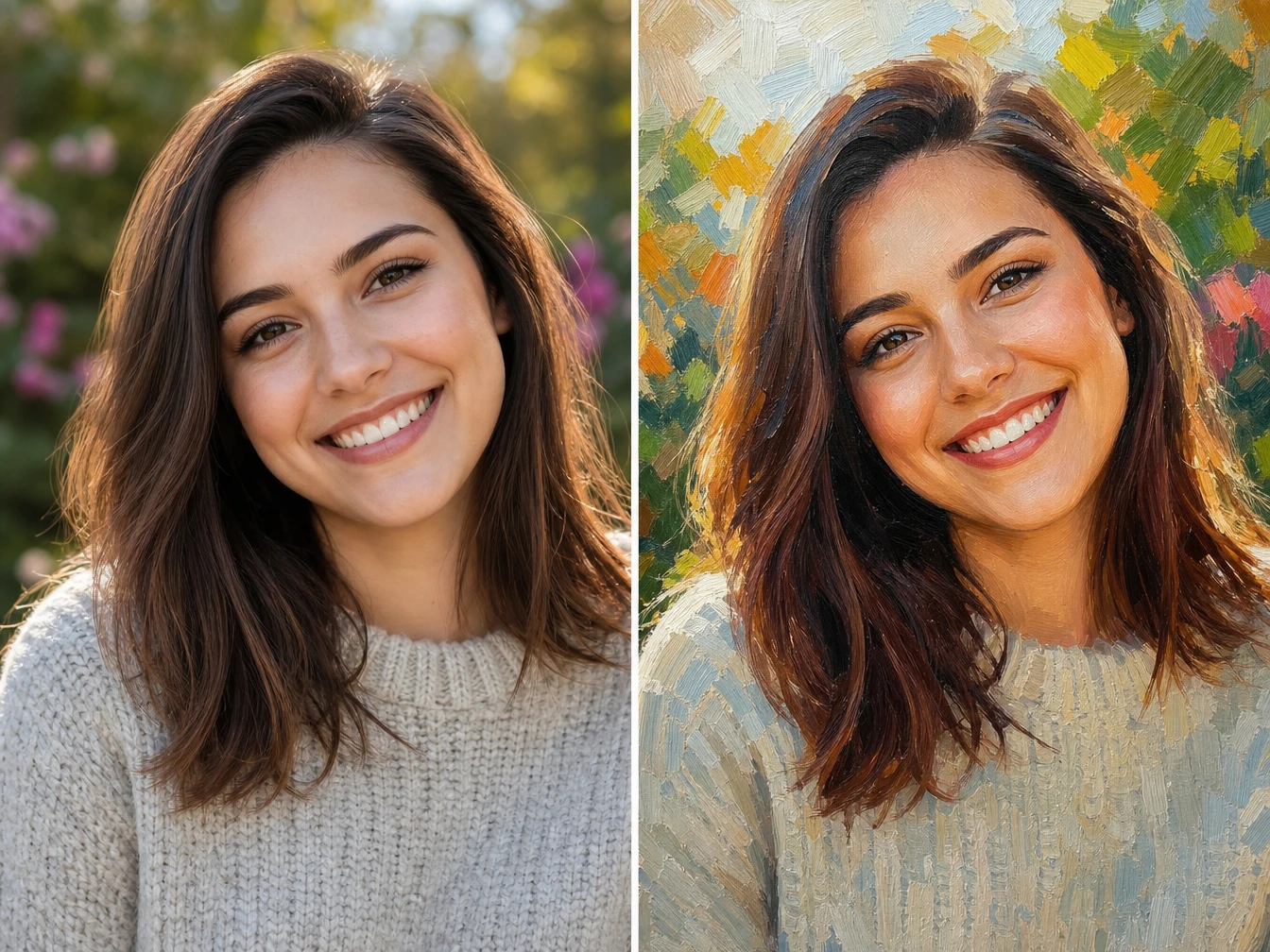
When a selfie or headshot needs a new art direction, PictureMaker can convert photo to art while keeping the face and pose as the reference. Choose a preset, check the preview, and adjust the prompt only if the result drifts from the person. The output works best with clear lighting, because heavy shadows can make facial cues harder to preserve.
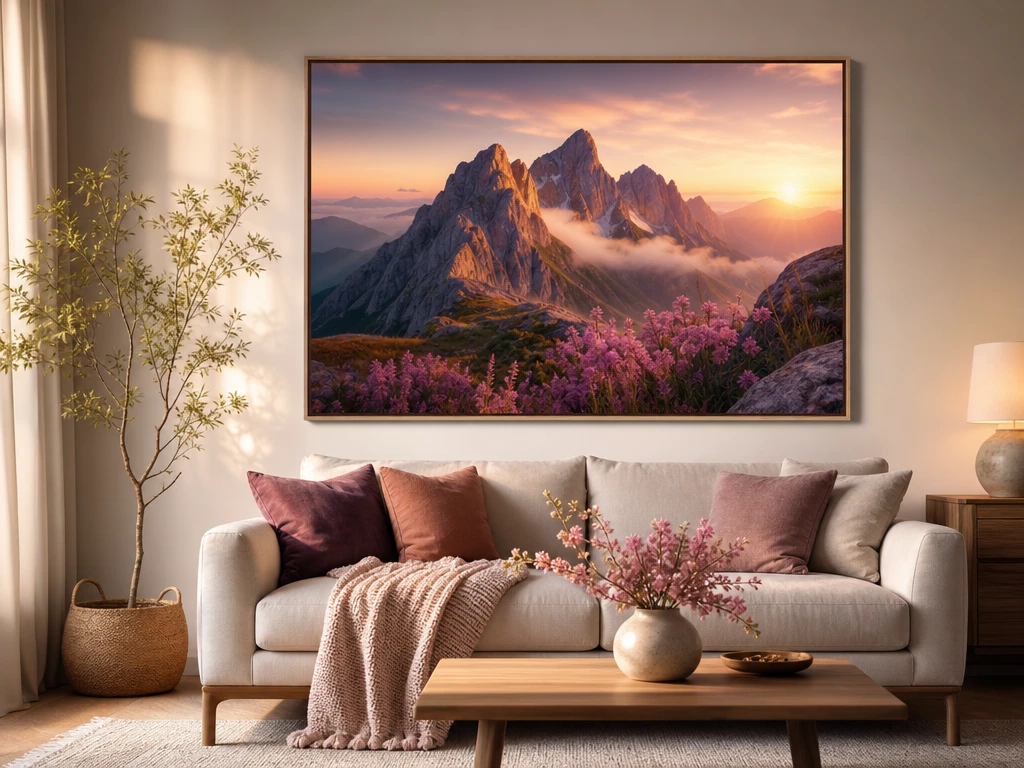
Image style transfer guides a written scene into a selected ai art style for article art, story visuals, or concept sketches. Describe the subject, setting, and style direction in one prompt, then review the generated image. The output is stronger when the prompt gives one clear subject instead of competing ideas.
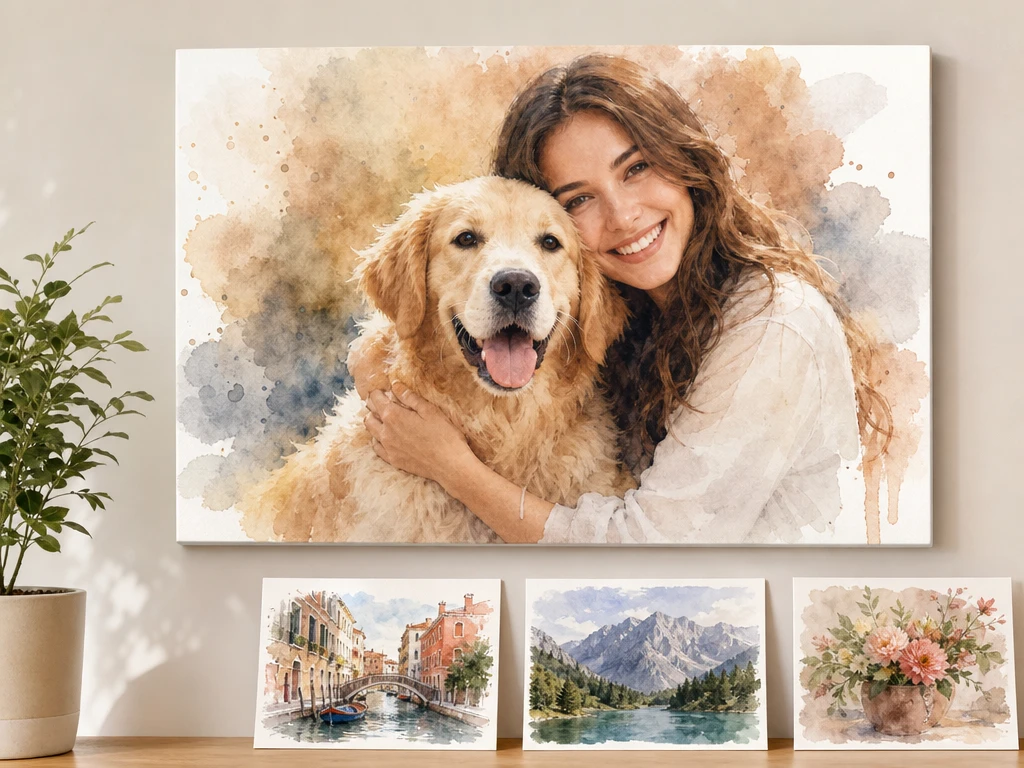
ai style transfer choices let you compare the same photo across watercolor, oil painting, anime, cyberpunk, 3D cartoon, vintage sketch, and pixel art directions. Keep the source image in place and switch the style preset to judge the mood. The preview helps you pick an ai art style before saving, although subtle source details may shift between looks.
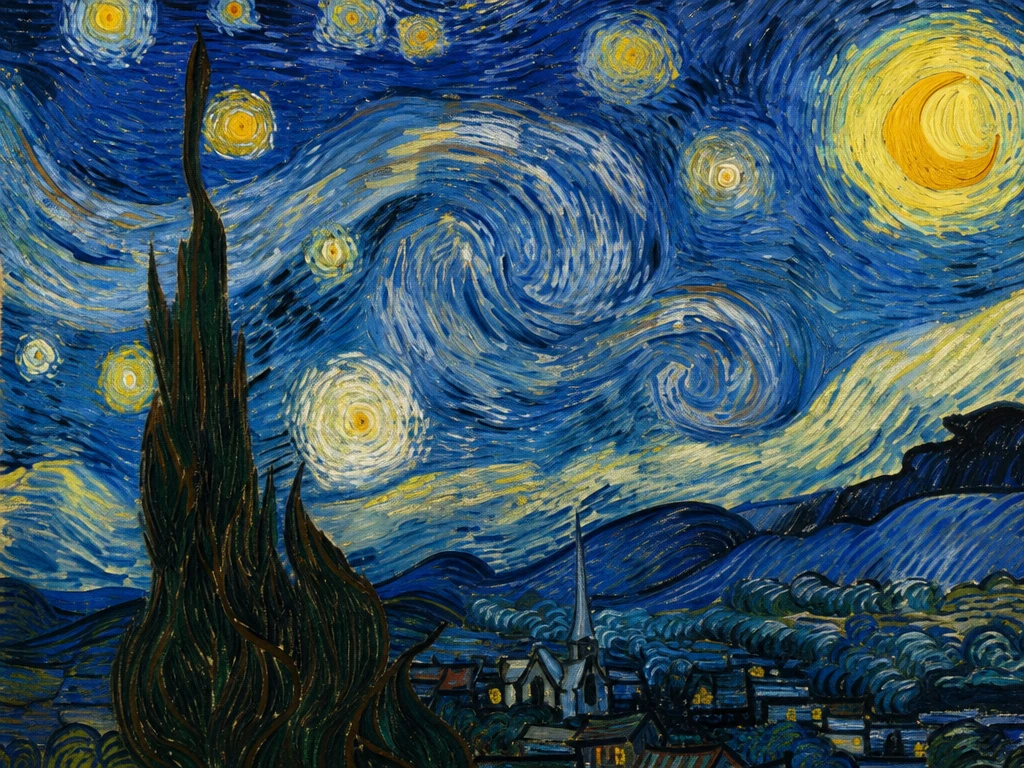
A neural style transfer workflow helps designers explore visual references when a poster background or illustration asset needs a defined look. Use the style transfer ai option with a prompt or source image, then save the version that fits the board. The output gives a styled image reference, not a layered design file or local pixel edit.
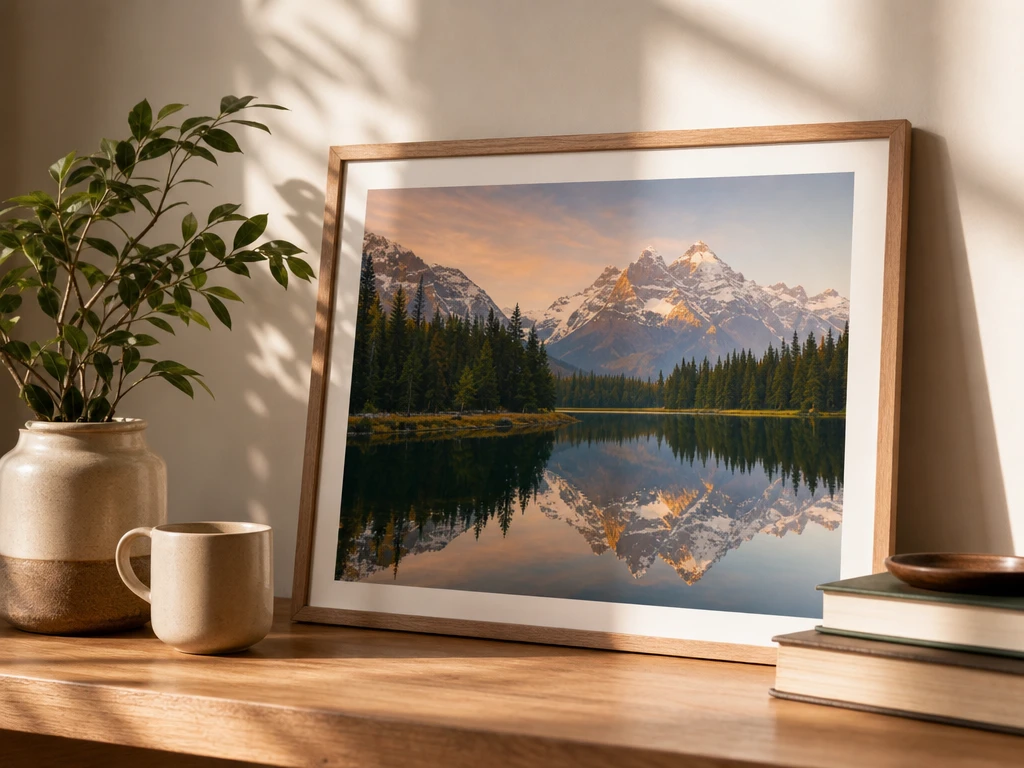
See how PictureMaker handles a source photo or prompt, then choose the ai art style that gives the image the right mood for its final use.
Start Nowai art style is a way to create a styled image from a photo or text prompt. You choose a visual direction such as watercolor, oil painting, anime, 3D cartoon, vintage sketch, cyberpunk, or pixel art, then preview the result before saving.
Yes, ai art style can start from an uploaded image such as JPG or PNG. The tool uses the source photo as the reference, so portraits, pets, landscapes, and group shots can keep important outlines while the look changes.
Text prompts are supported for creating a new ai art style image. A clear subject and style direction give PictureMaker better context, which helps the output match the idea instead of drifting into a vague scene.
PictureMaker supports style transfer for images through photo uploads and text prompts. You can choose an ai art style preset, preview the generated image, and download or save the result.
Recognizable source details can carry through, especially with clear subjects and simple backgrounds. Very busy photos may need another preset or prompt adjustment so the person, pet, or object still reads clearly.
Available ai art style directions include common looks such as watercolor, oil painting, anime, 3D cartoon, cyberpunk, vintage sketch, and pixel art. PictureMaker does not need a long prompt when a preset already gives the image a clear visual lane.
A complex prompt is not required for ai art style work because presets can carry much of the visual direction. Add a short prompt only when the subject, scene, or mood needs more detail than the preset name provides.
The generated ai art style image can be saved or downloaded after preview. Check the crop, subject clarity, and chosen style before export so the file fits the post, article, concept board, or personal archive.
No, this page covers image style work only. PictureMaker can create styled image files from a photo or text prompt, while video clip styling is outside the confirmed scope for this tool page.