Shape Each ai image generator Output
The ai image generator workflow keeps the source prompt, style choice, preview, and export settings visible as separate decisions.
01Write Prompt
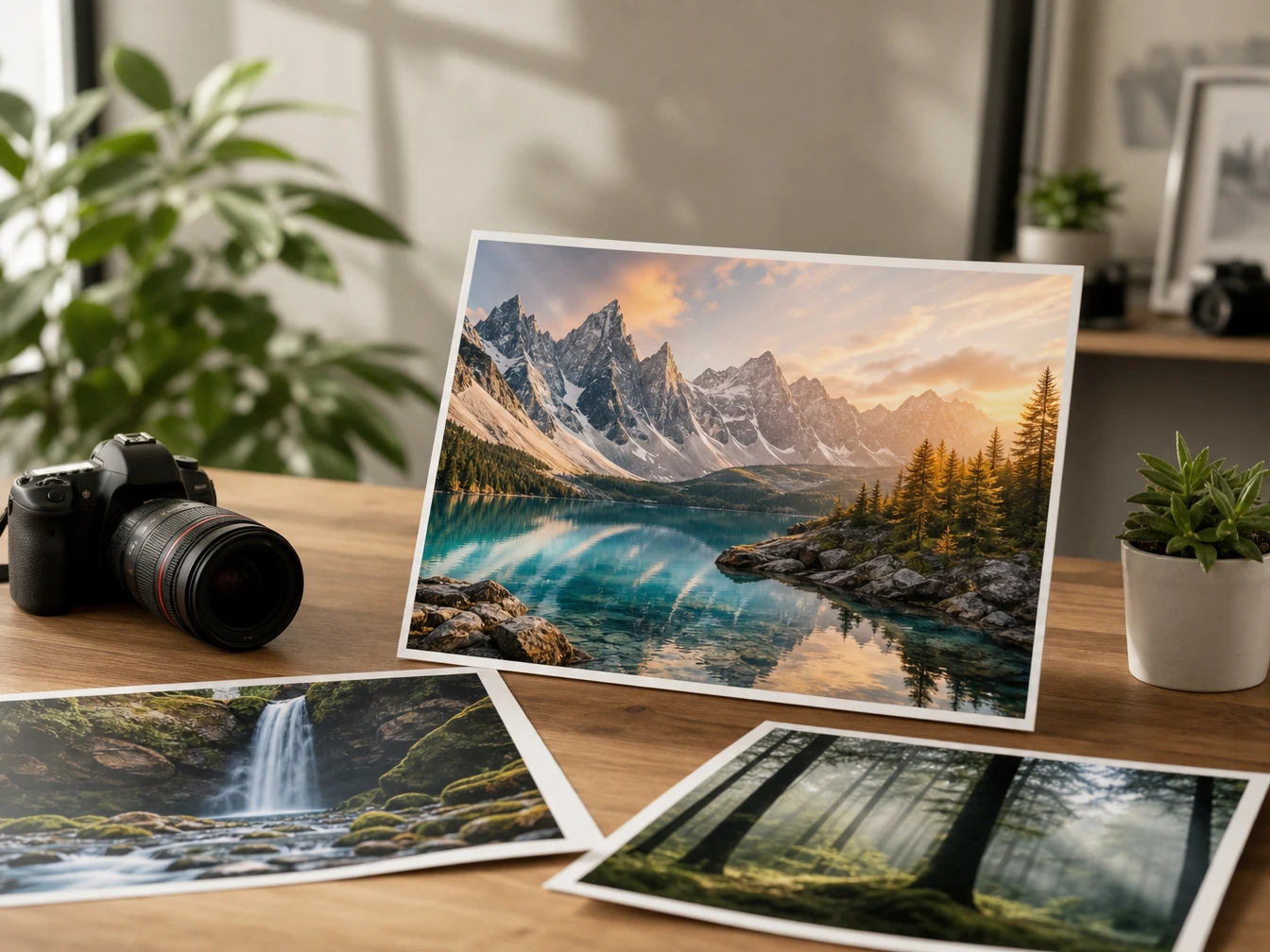
Start with a text prompt that names the subject, setting, and use case, then PictureMaker reads it as the source for text to image creation, so the first preview has a clear direction.
02Choose Style
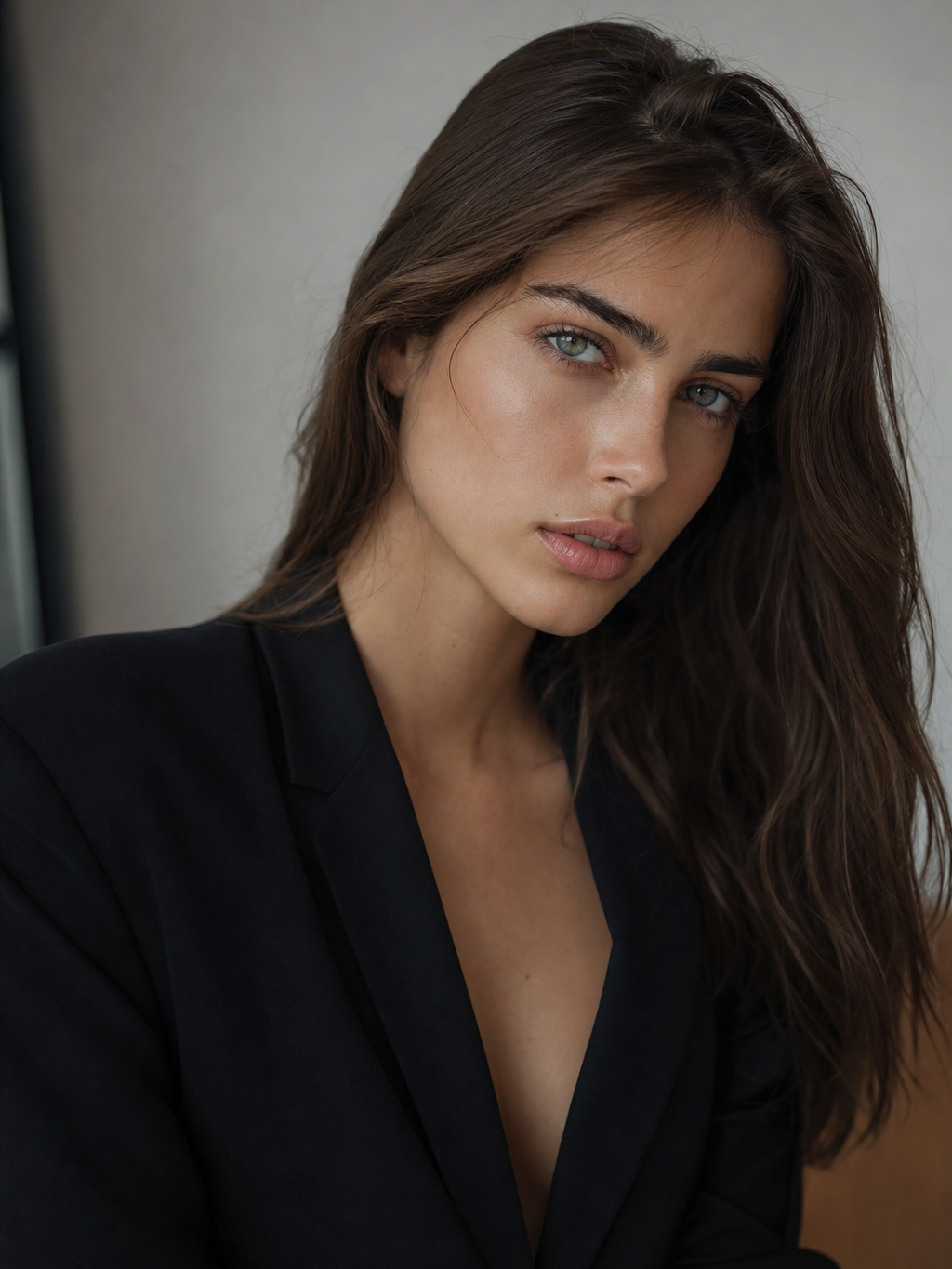
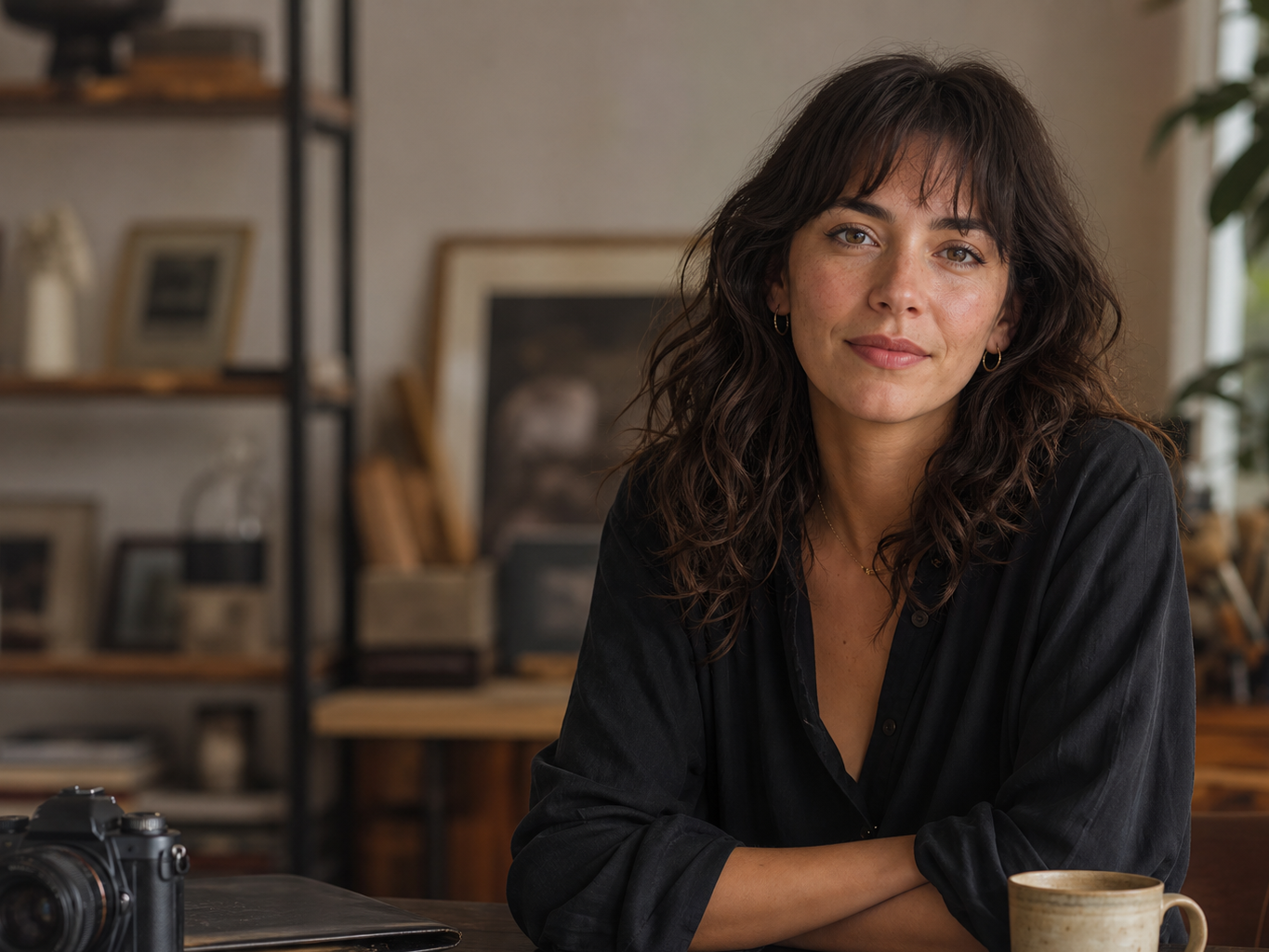
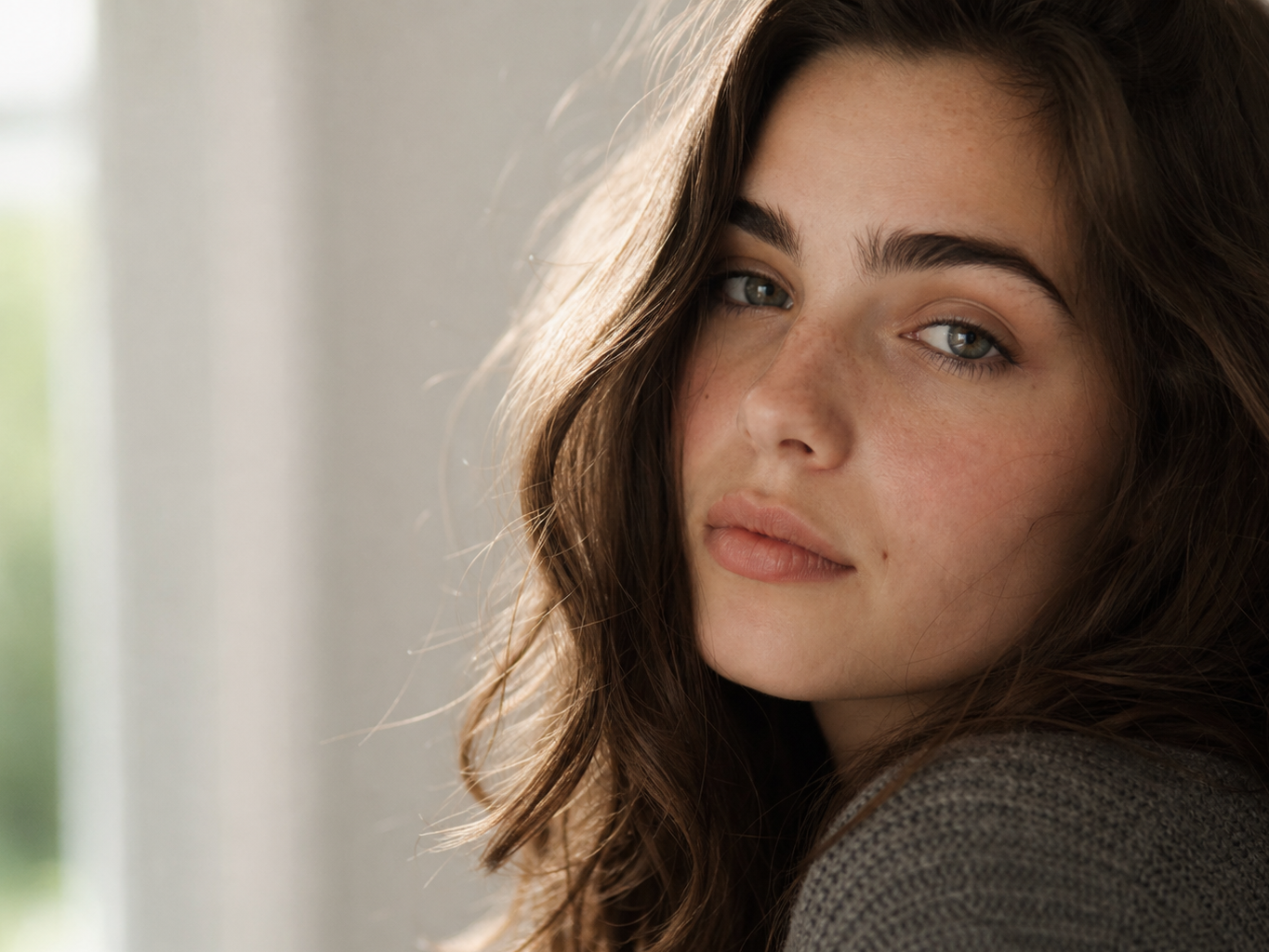
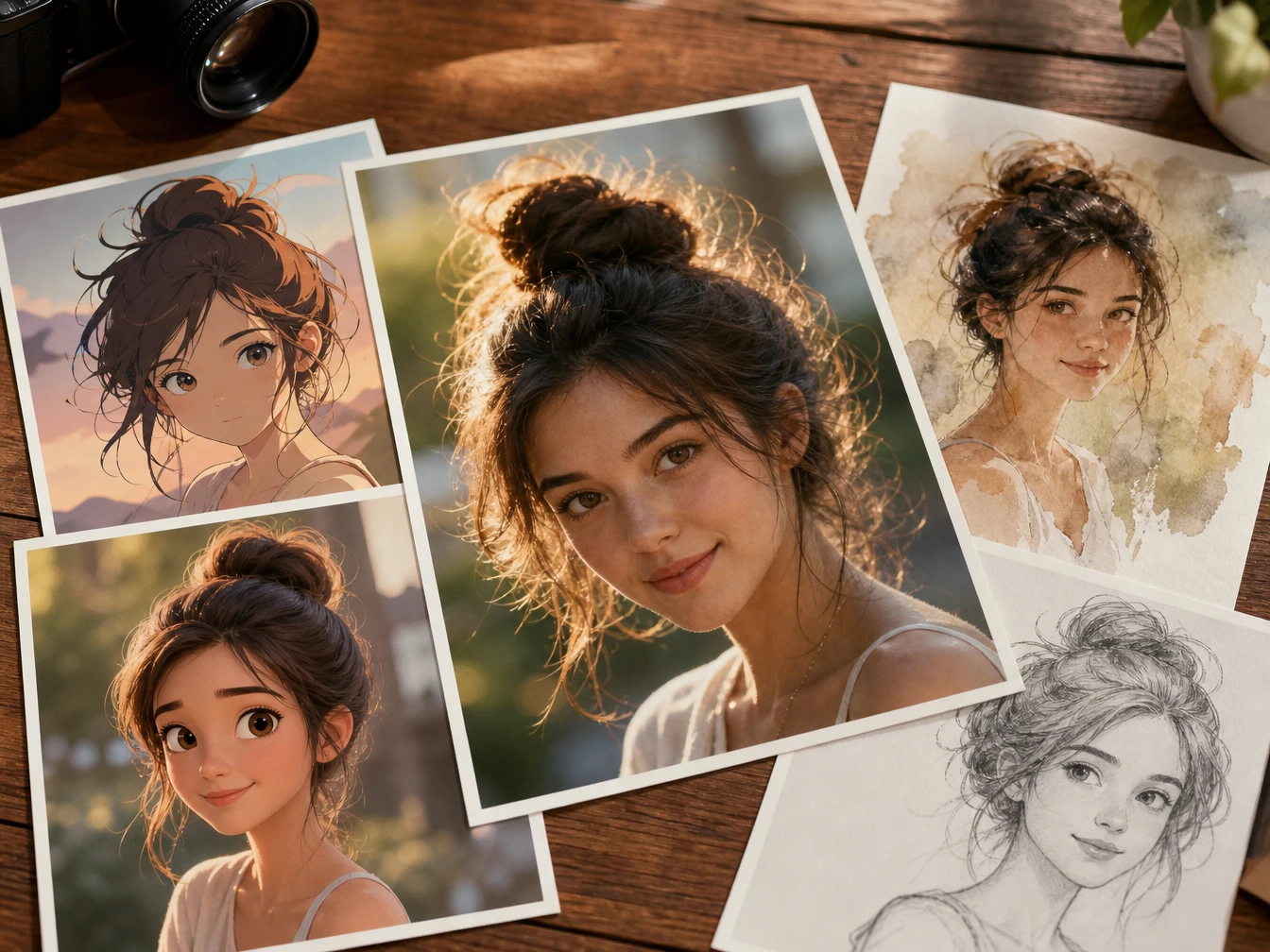
Pick a visual style such as realistic photography, anime illustration, 3D render, or watercolor, then PictureMaker applies that direction to the prompt, so the ai image generation result matches the intended look more closely.
03Check Preview
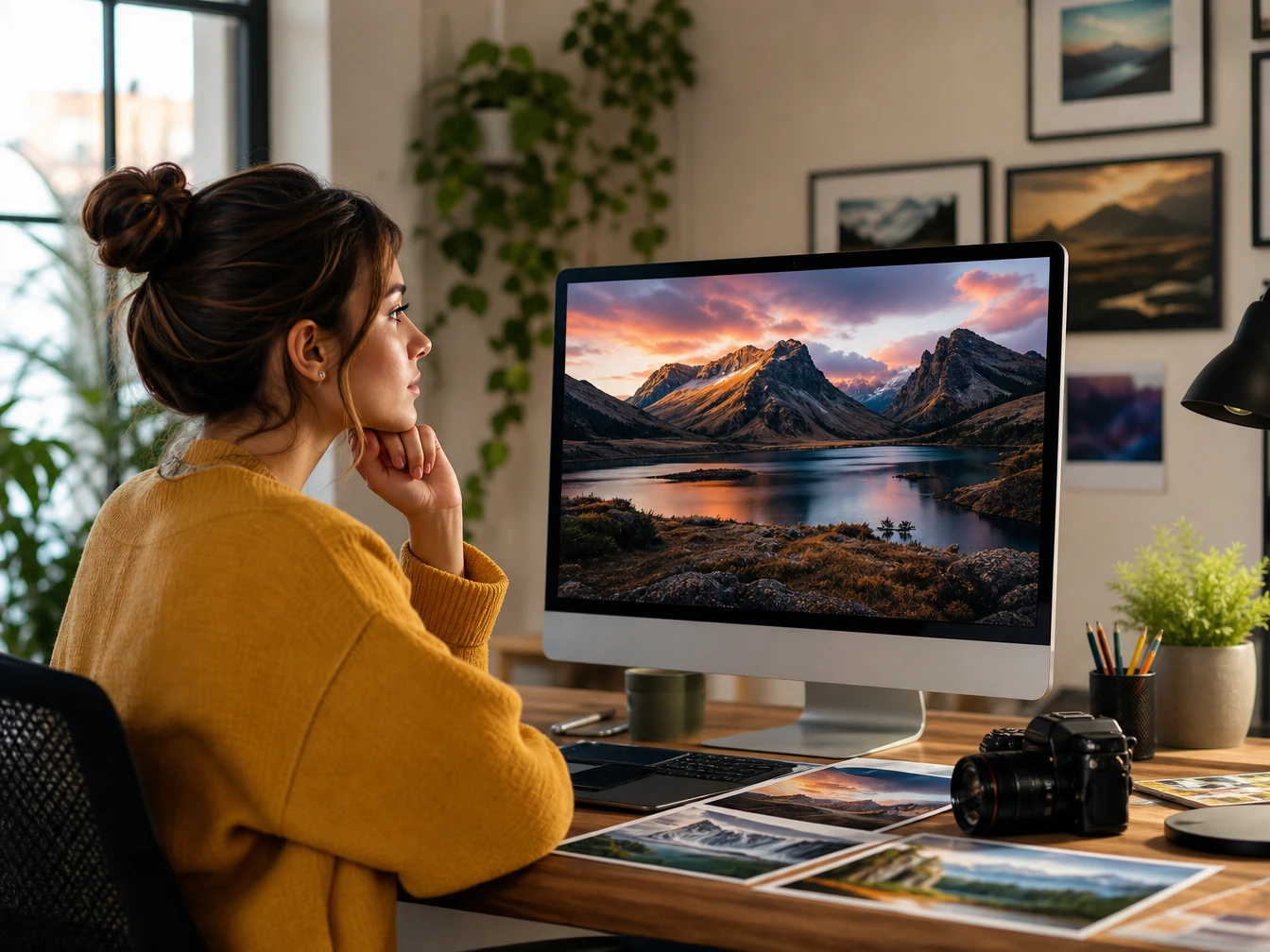
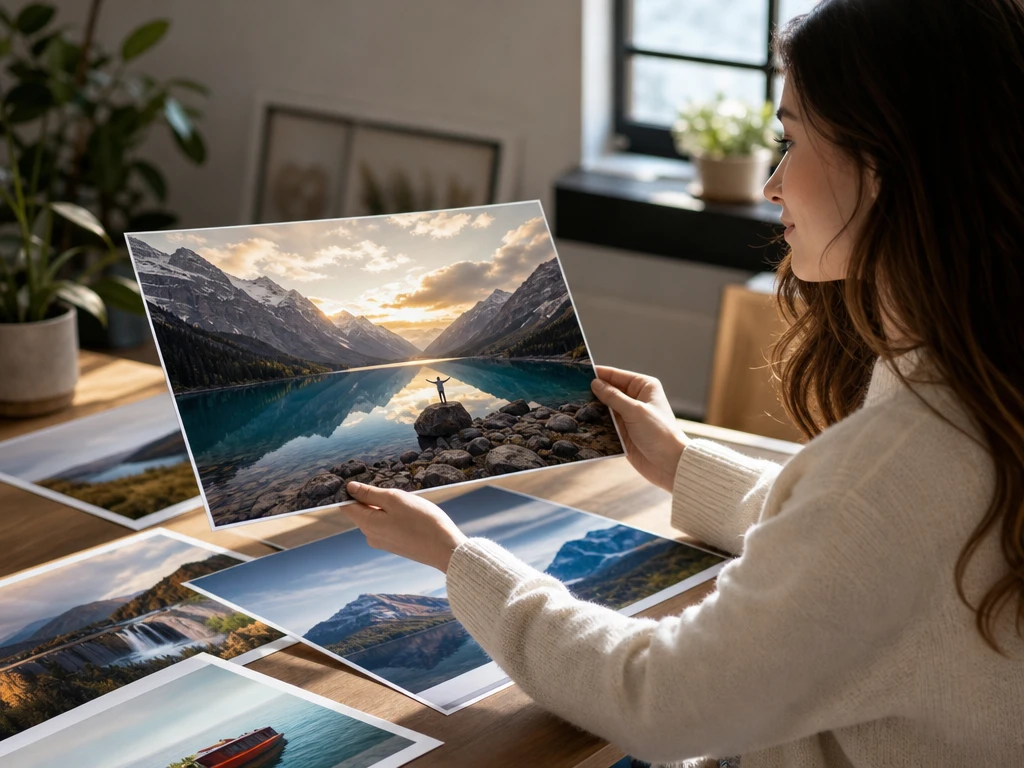
Review the preview for subject clarity, mood, and composition, then revise the prompt or style choice, so the next ai image generator output reflects the decision you just made.
04Export File
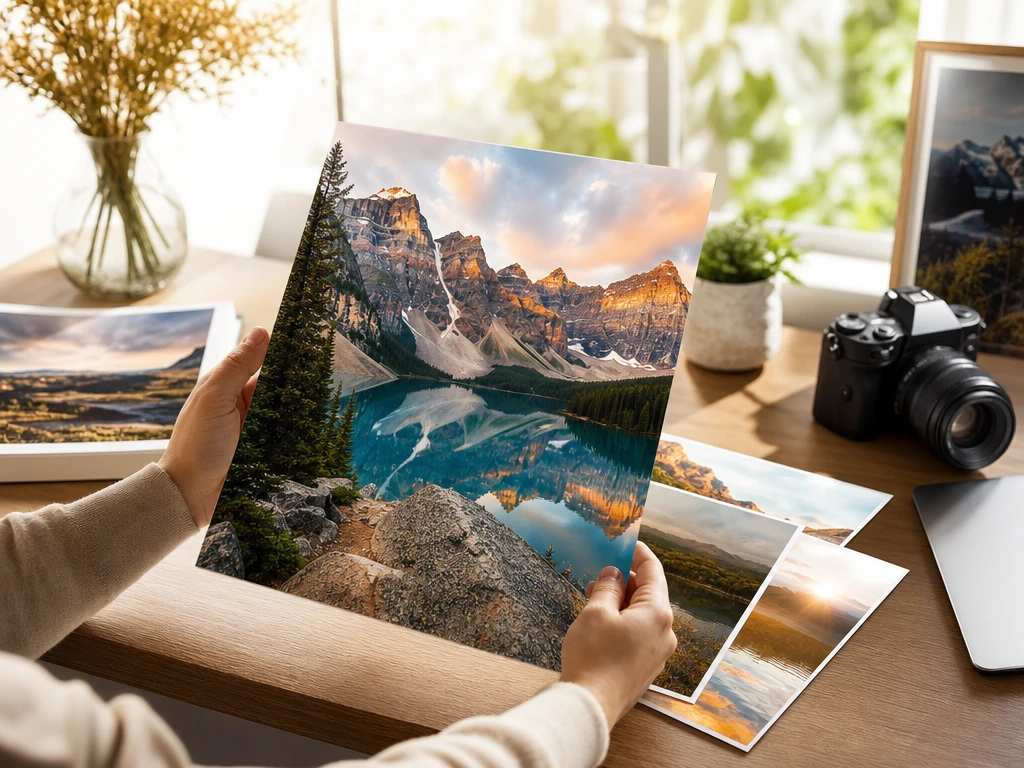
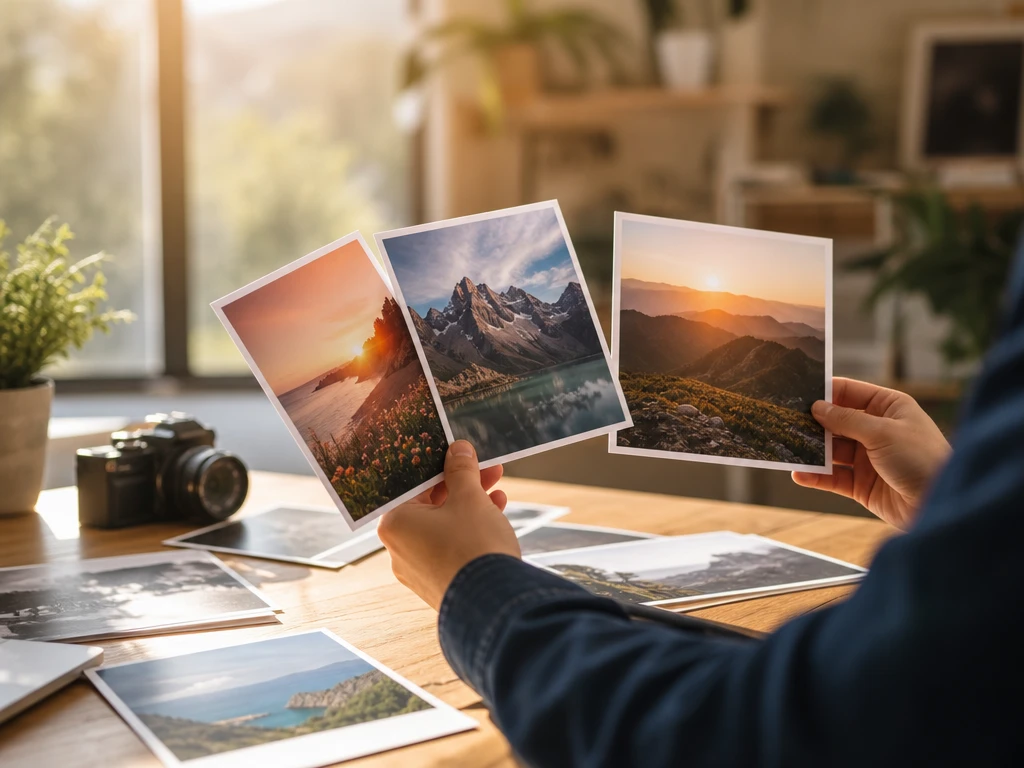
After the image fits the channel, export it as a common JPG or PNG file, so the output is ready for a post, blog draft, concept board, or marketing reference.